Everything on your Mac, one window.

Built for a Mac where AI agents and you share the same projects. Five things Lokstack does well, then the rest in short.

Lanes, in beta

One lane per AI agent.

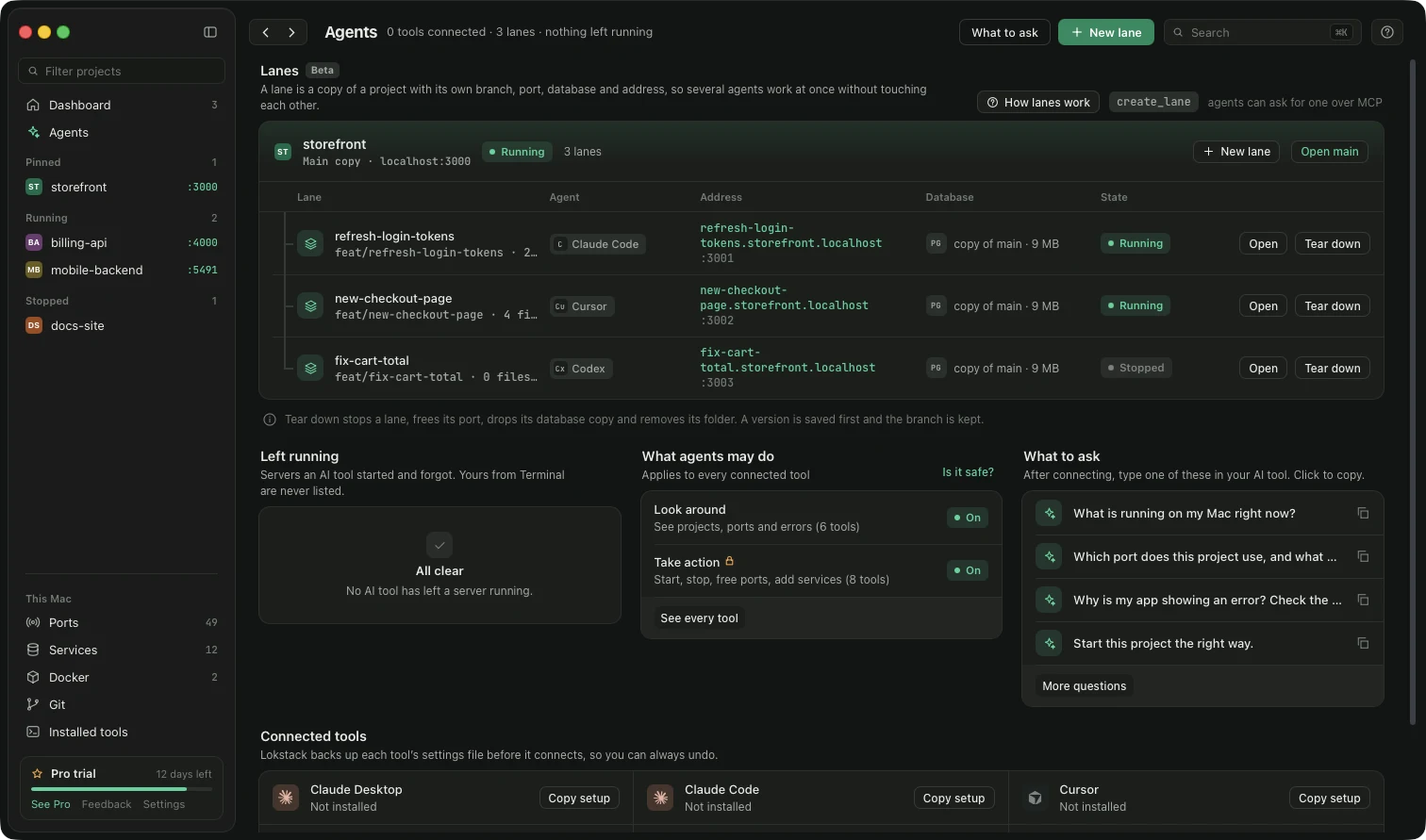
Each agent gets a Git branch, a free port and a copy of your database, so nothing collides.

  • An address per lane, like task.project.localhost
  • A live timeline and the changed files for every agent
  • Add to main, open a pull request, keep it or throw it away, with a version saved first
  • Agents ask for a lane over MCP: create_lane, list_lanes, lane_status, teardown_lane
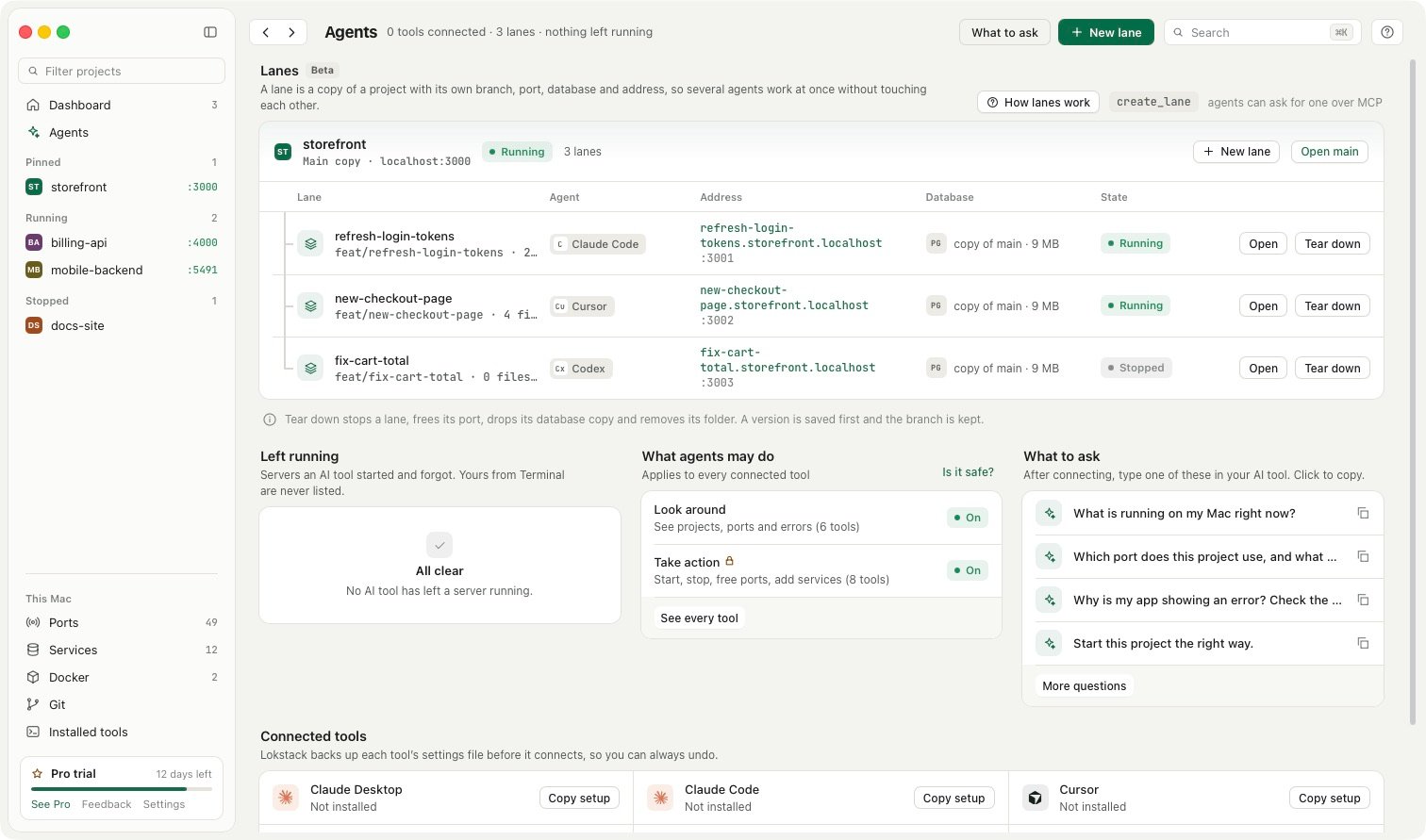
Three lanes of the storefront project, each with its own address, port and database copyThree lanes of the storefront project, each with its own address, port and database copy

See what each project is made of.

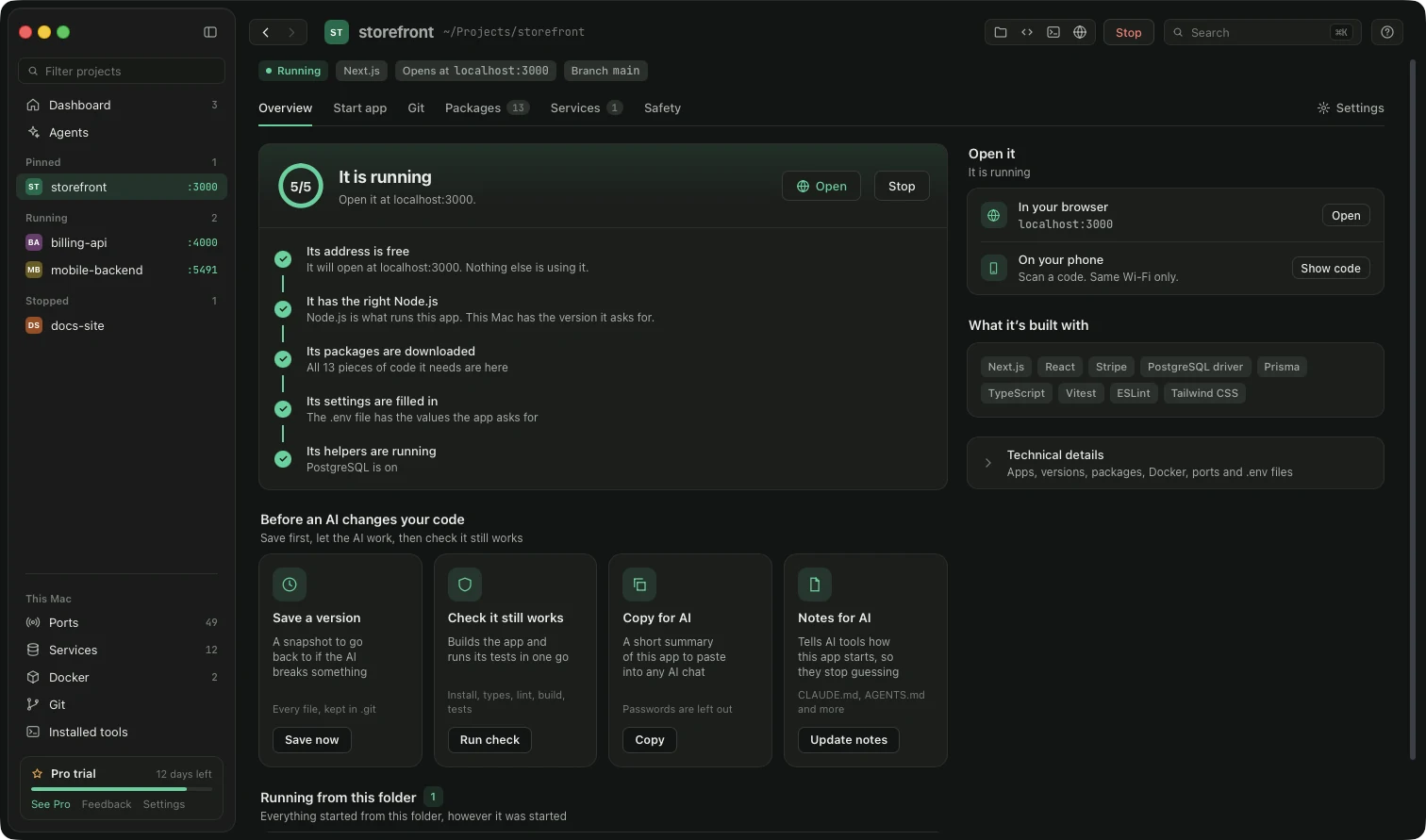
Lokstack finds your projects and shows the stack behind each one, then tells you why one will not start.

  • Node and PHP in use against required, packages, every database connection and Docker use
  • Detected framework, database, queues, auth, AI and payments from your dependencies
  • A ranked list of what blocks a project, each with a button: free the port, use the right version, install, start Docker, create .env
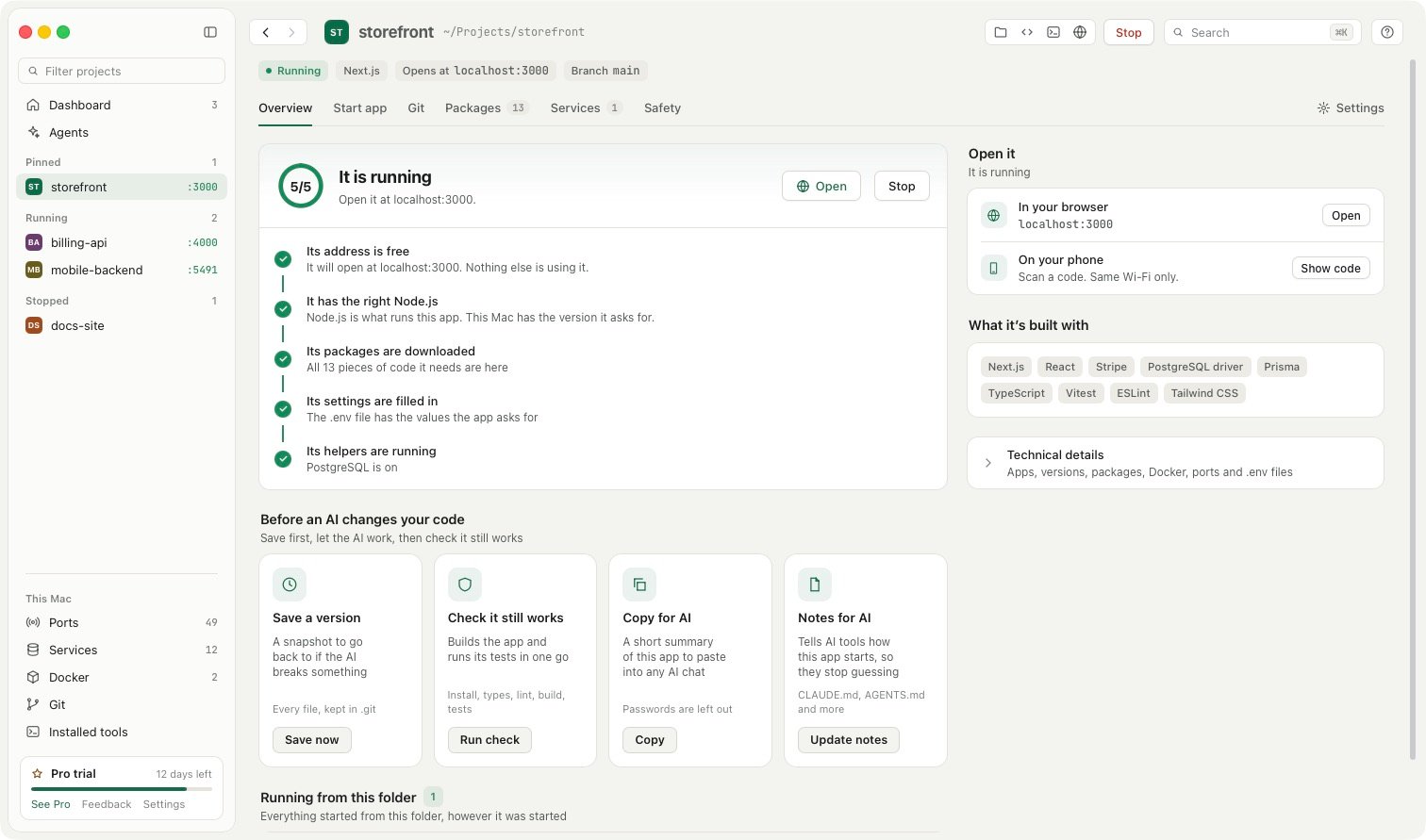
A project overview with a fix button beside the reason it will not startA project overview with a fix button beside the reason it will not start

Take control of what is already running.

Every process started from a project folder shows up as a tree, no matter who started it.

  • See who started it: Terminal, VS Code, Cursor, JetBrains, Claude Code or Lokstack
  • Restart in Lokstack to capture its output, or use it as the start command
  • Add a queue, scheduler or worker as its own command with its own log
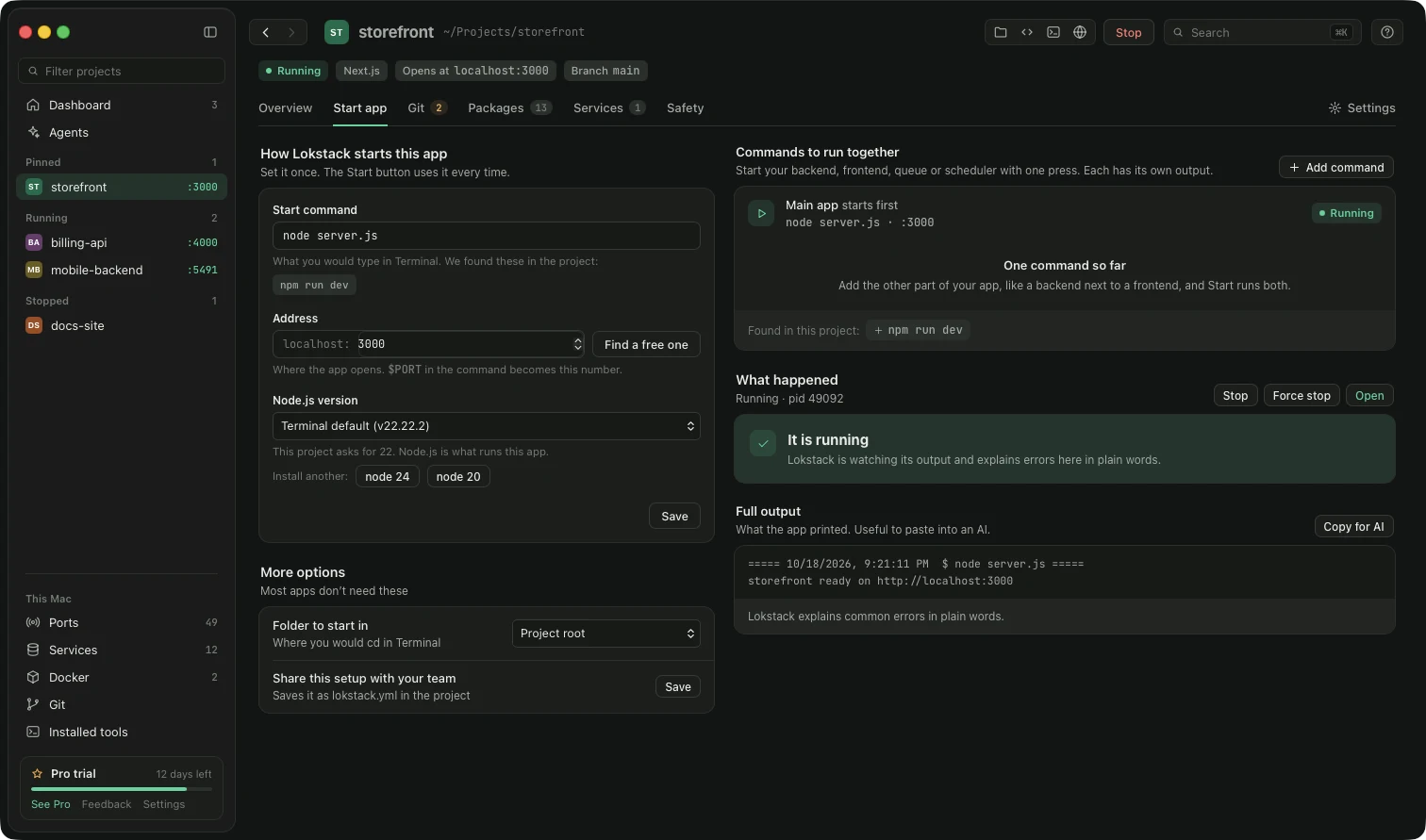
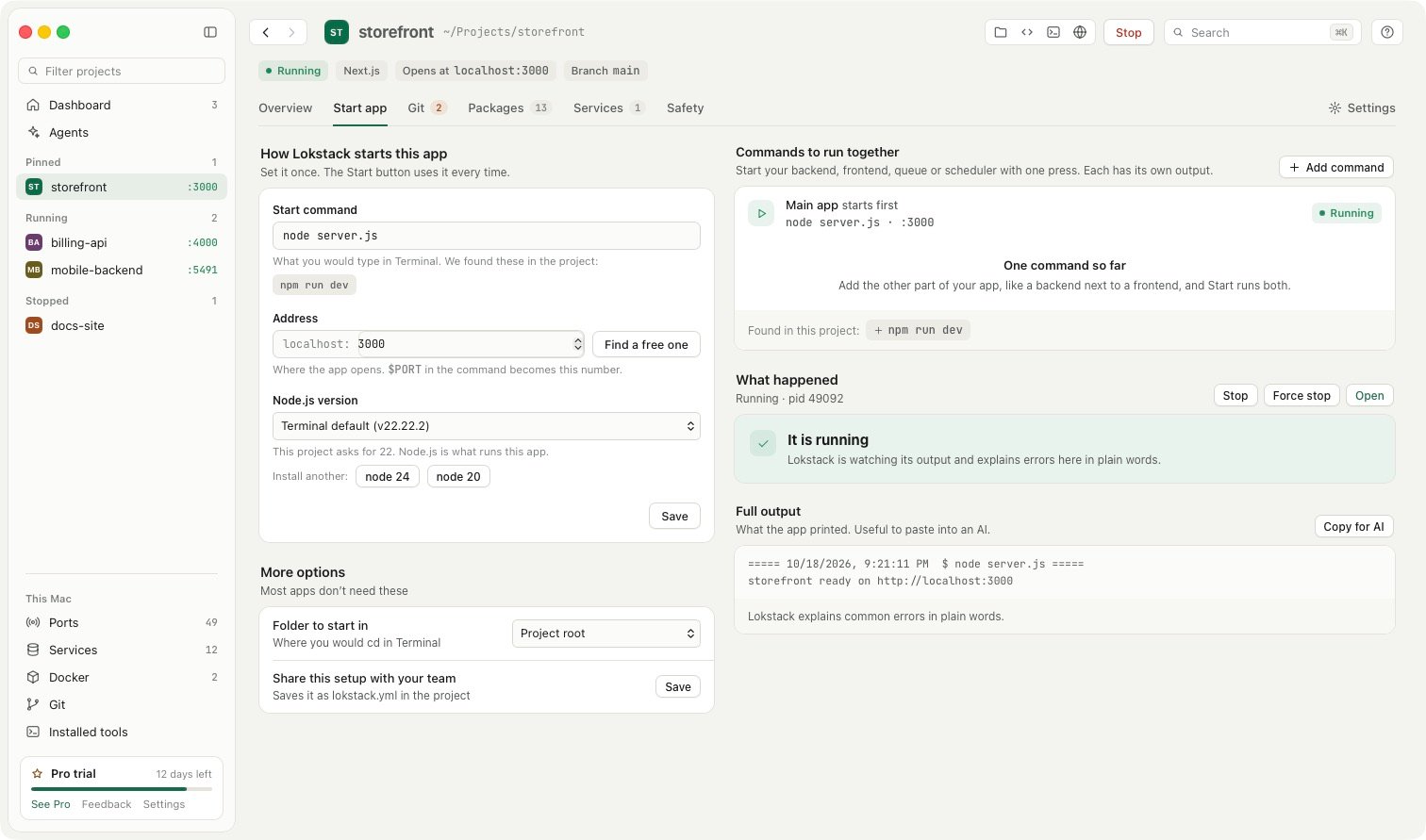
The Run and logs tab of a projectThe Run and logs tab of a project

Look inside your data.

The exact database, verified. Lokstack reads your .env, checks that the server answers, and shows version and location.

  • Understands DATABASE_URL, DB_*, REDIS_*, PG* and compose hostnames
  • One-click PostgreSQL, Redis, MySQL or MongoDB in Docker
  • Containers and compose projects with the controls you use, and safe edits that roll back
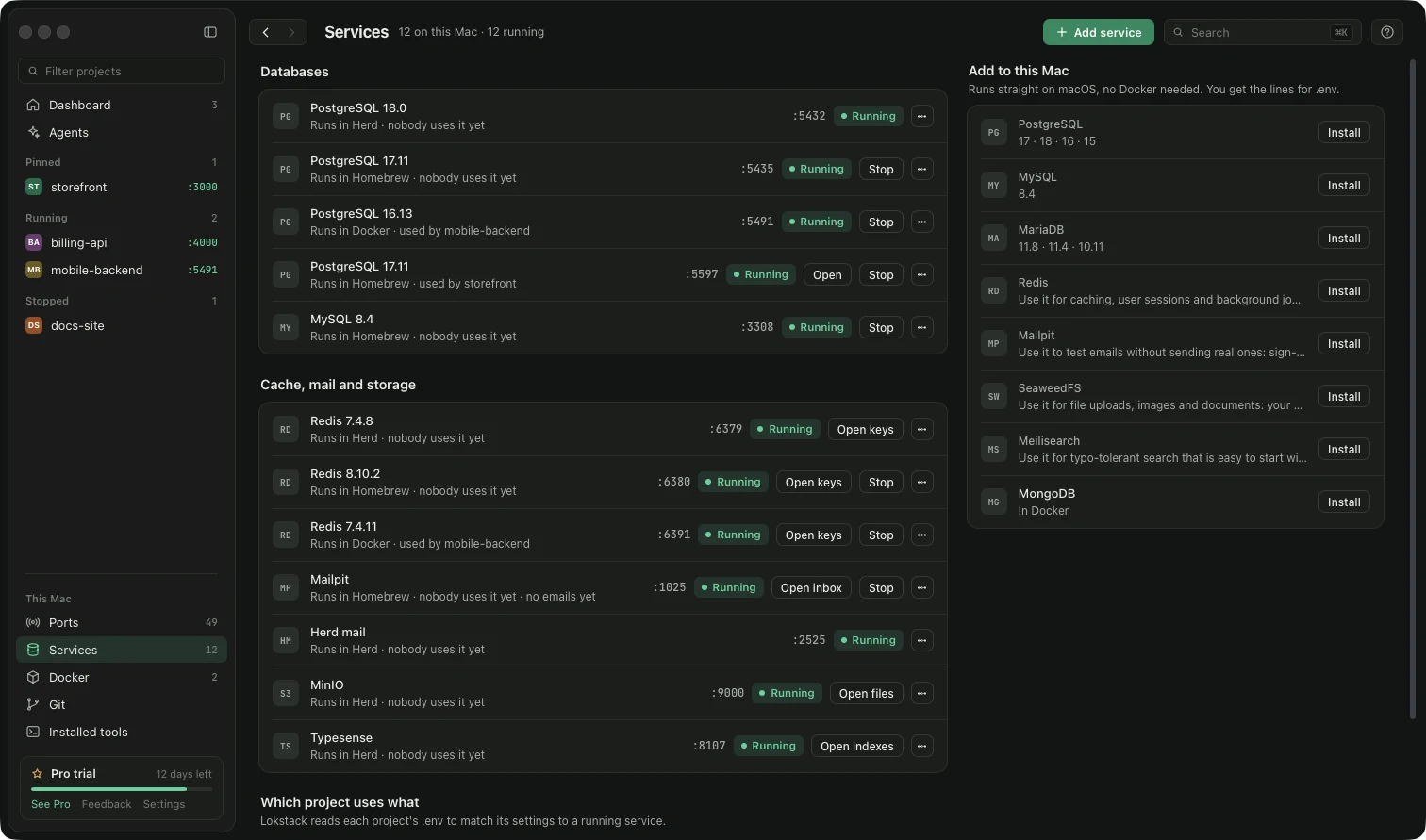
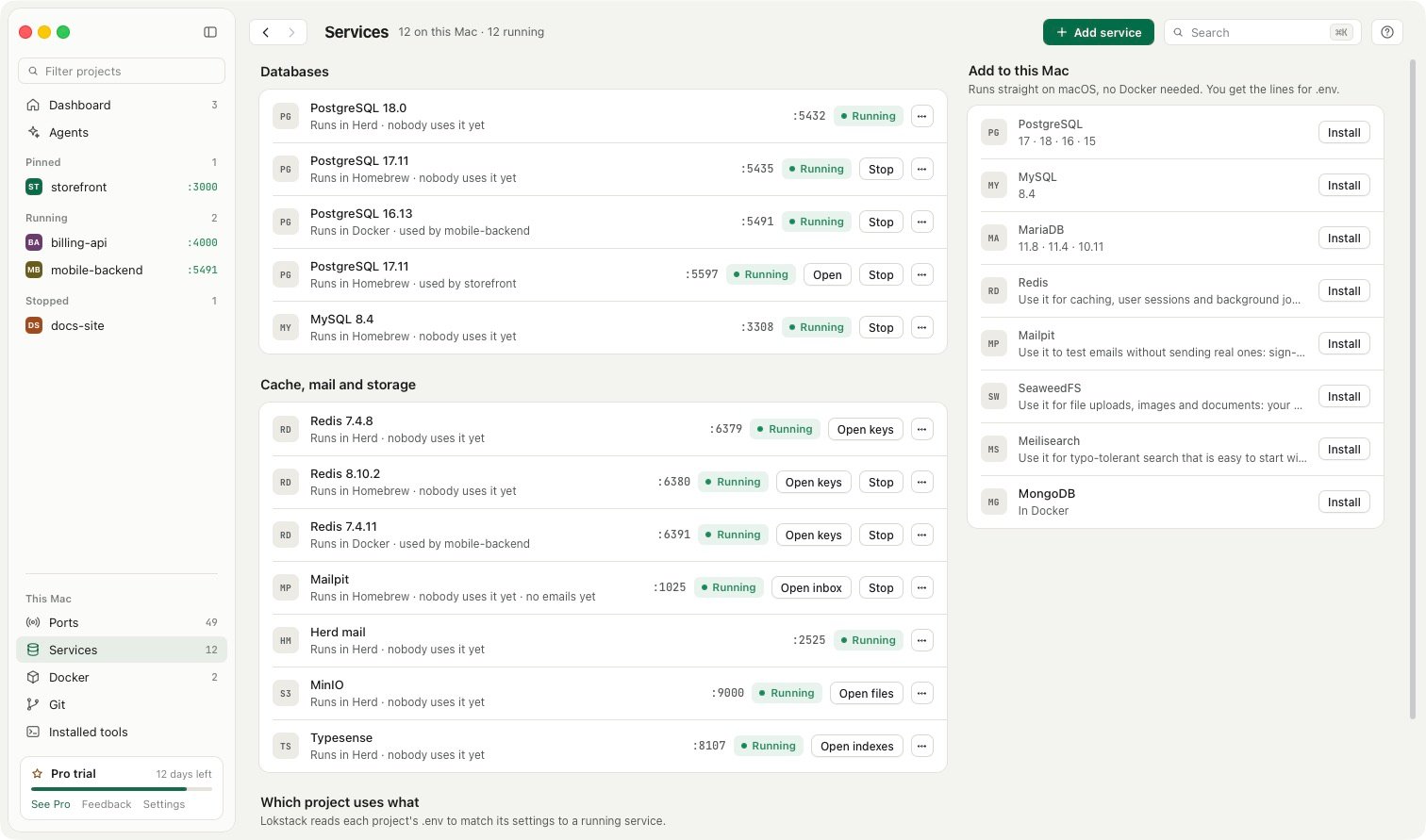
The Databases page listing every database and the project using itThe Databases page listing every database and the project using it

Safe with AI tools.

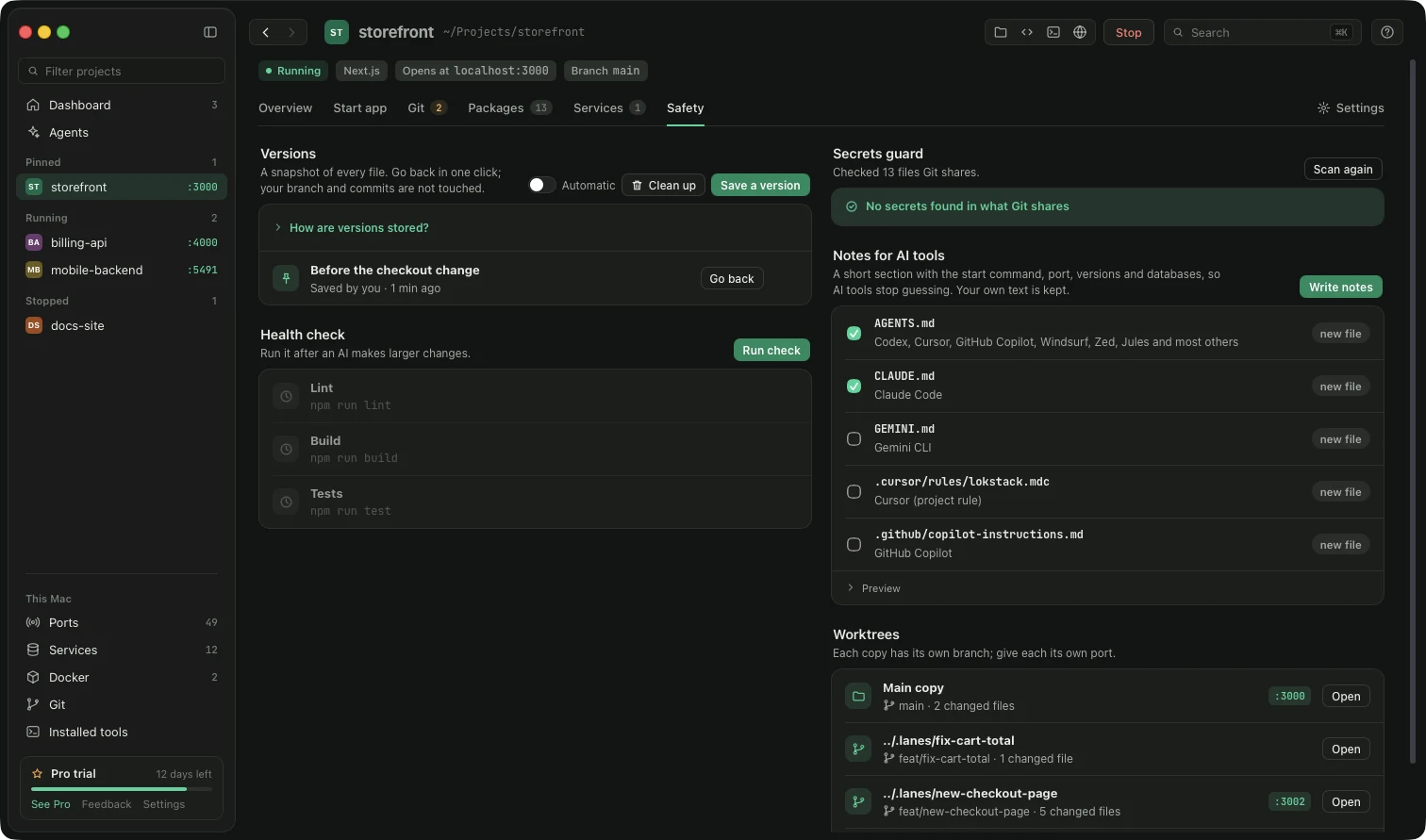
AI coding tools start servers, switch versions and forget to clean up. Lokstack gives them the facts and tidies behind them.

  • One-click connect for Claude Code, Cursor, Codex, Windsurf, VS Code, Gemini CLI and Zed over MCP
  • A secrets guard that stops you committing keys, and automatic versions you can restore
  • Servers an AI tool left running are listed, with a stop button
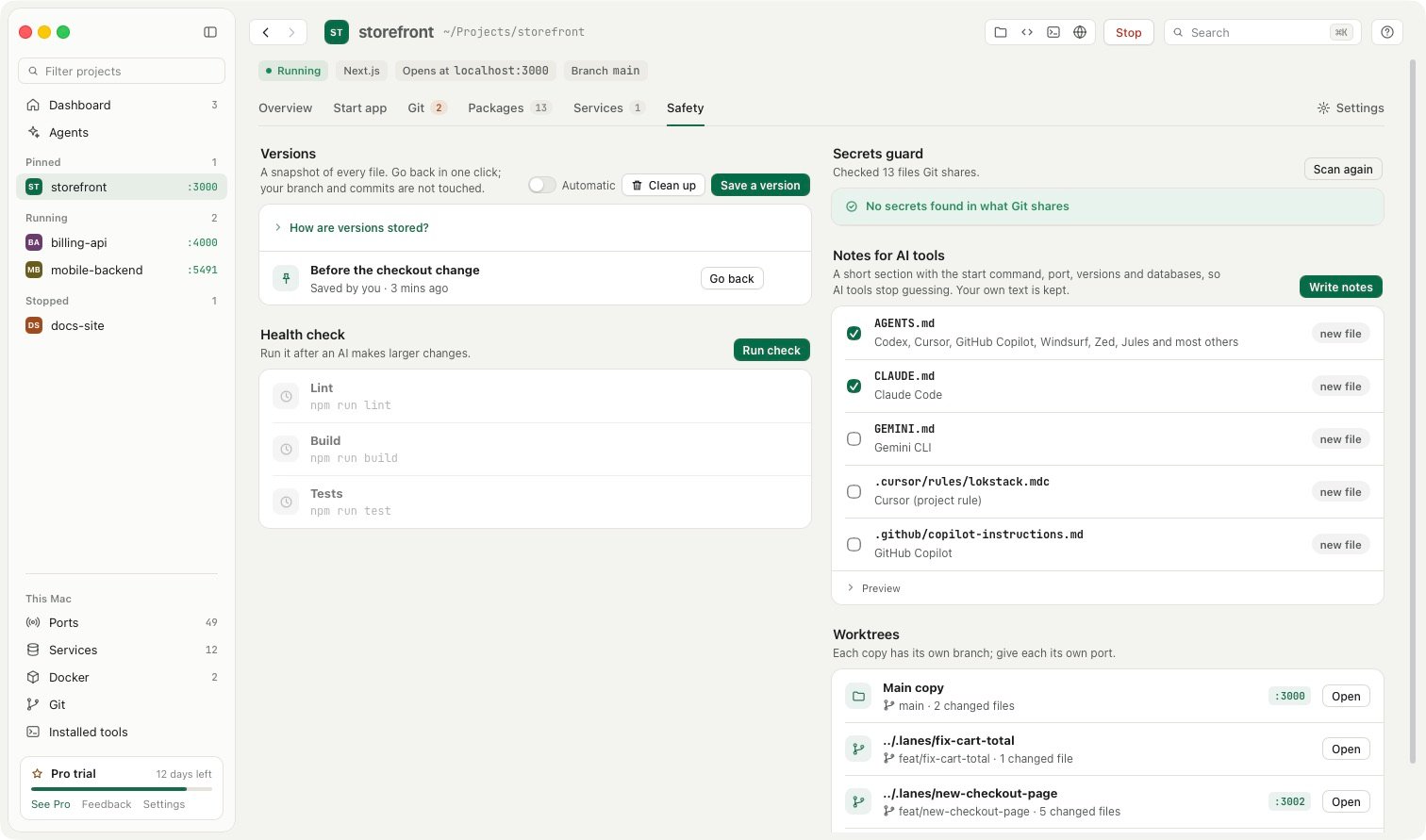
Versions, the secrets guard and notes for AI toolsVersions, the secrets guard and notes for AI tools

And the rest, in short.

Packages

Install and update without the terminal. npm, pnpm, yarn, bun, Composer or pip, detected from your lockfiles and aware of monorepos. Search npmjs.com, packagist.org and PyPI.

Git

Status, hunk staging, commit, branches, stash, merge and rebase in every project, with a guard that stops you committing secrets. Pro adds line staging, a conflict resolver, a commit graph and bisect.

Ports and tools

Every listening port with app, project, PID and uptime. Node, PHP, PostgreSQL and Redis from nvm, Homebrew and Herd, side by side.

Services

Databases, cache, test email, file storage and search in one list, with the projects that use each. Add one without writing Docker commands, with the .env lines ready to paste.

Setup doctor

It tells you what is missing, then fixes it: the right Node, missing packages, Docker off. Nothing changes until you press a button.

Friendly addresses

Open myapp.localhost instead of remembering localhost:3000. Off until you turn it on, nothing installed, and only your Mac can use it.


The tools you use today see one slice.

Lokstack joins them into one picture per project.

LokstackActivity MonitorDocker DesktopLaravel HerdServBay
Projects, ports and versions togetherYesNoNoLaravel onlySites only
Explains why a project will not startYesNoNoNoNo
A private copy per AI agentYes, in betaNoNoLaravel onlyNo
Node and PHP per projectYesNoNoYesYes
PriceFree, Pro $79.99 a yearFreeFree, paid for businessFree, Pro $99 a yearFree, Pro $9.90 a month

Checked on 17 October 2026 from each product’s own pages. Prices are list prices in USD.

Try it on your own projects.