Several AI agents, one Mac, no mess.
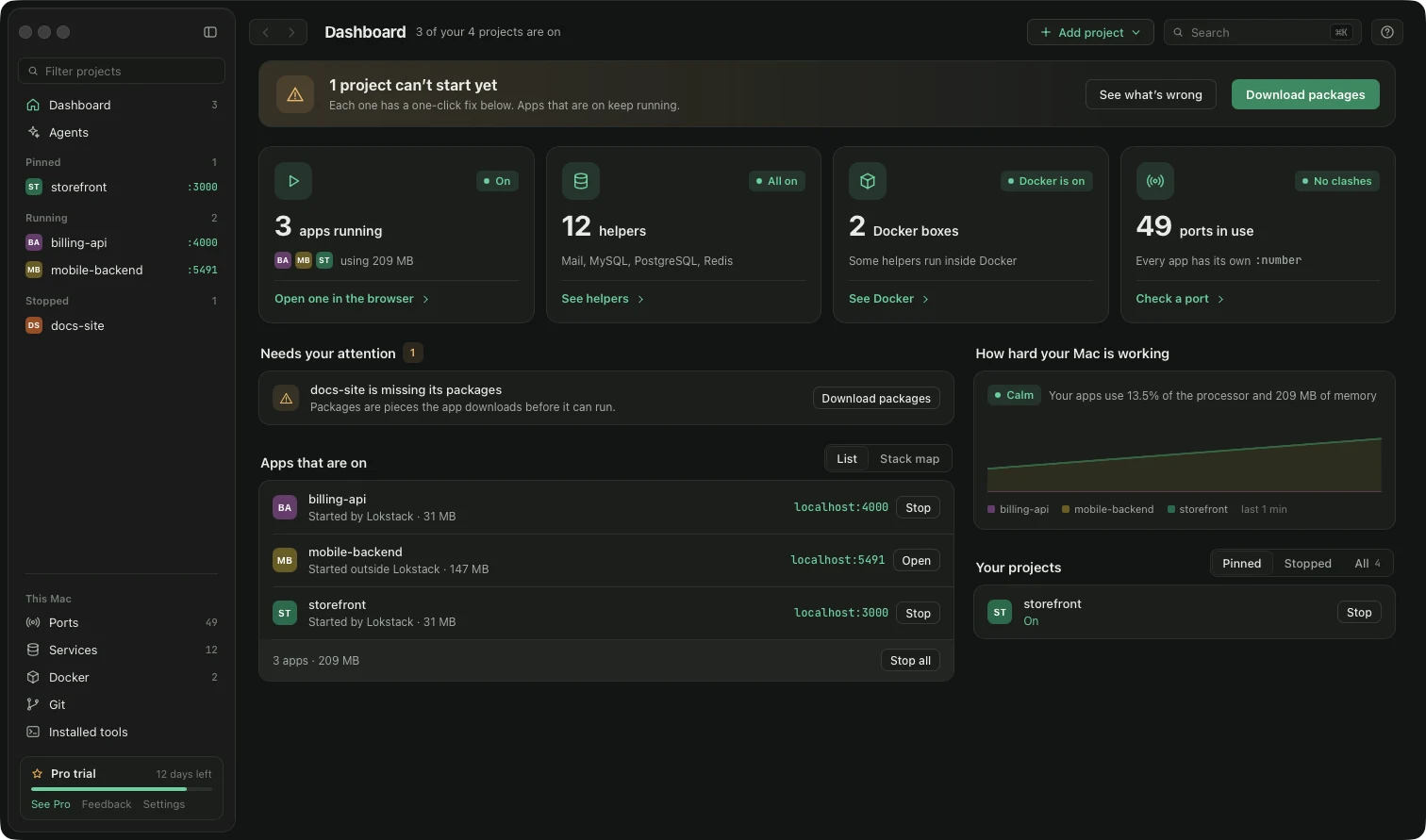
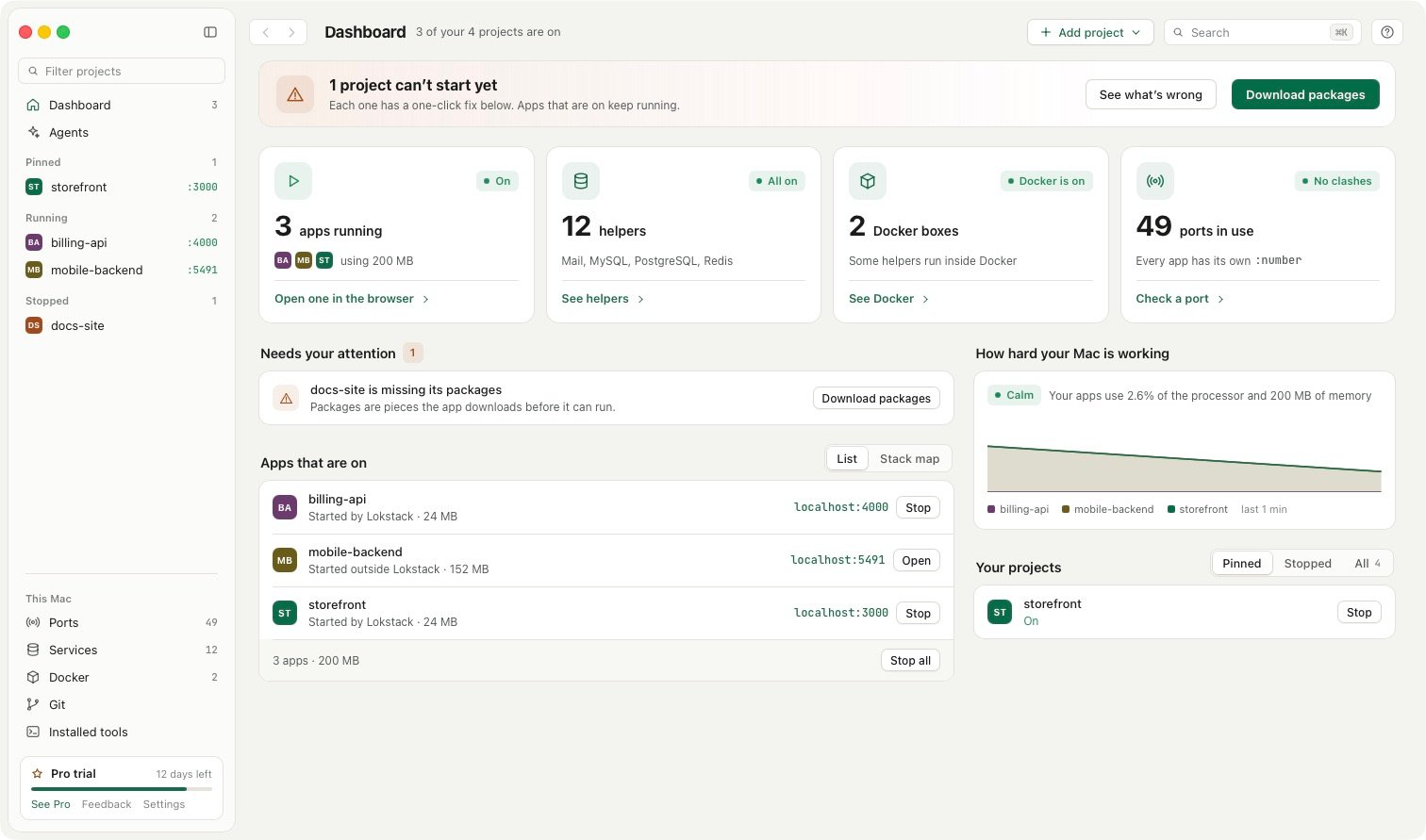
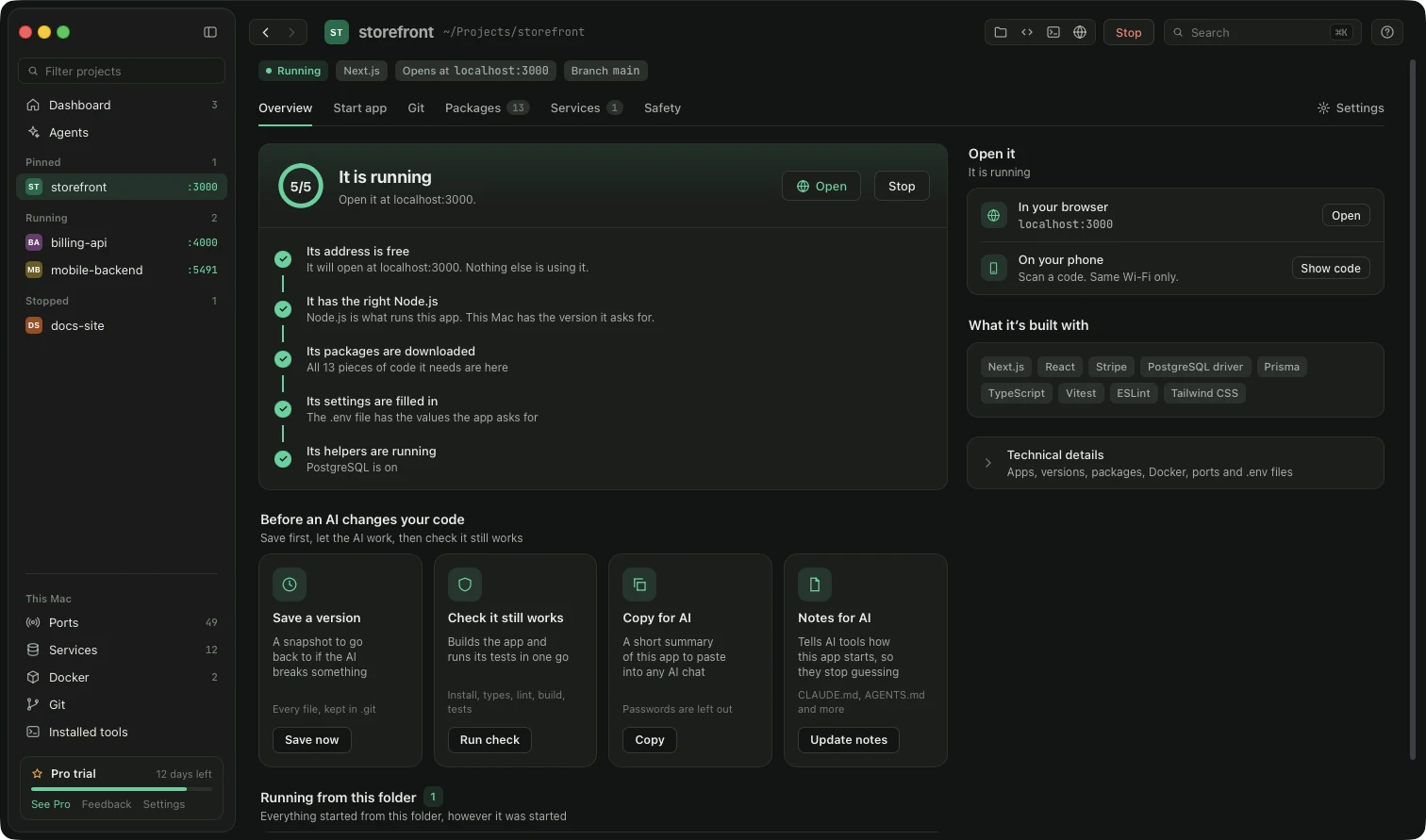
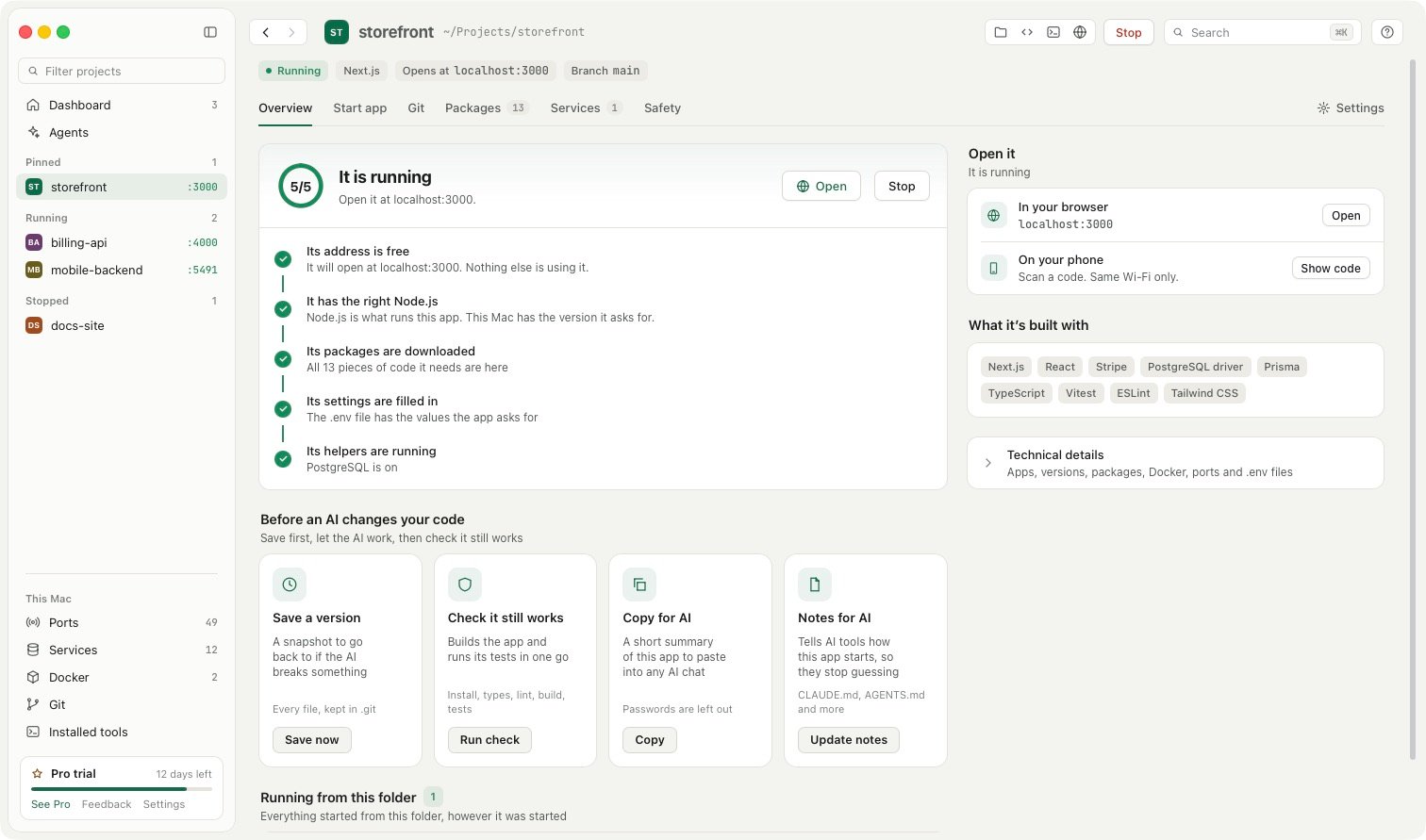
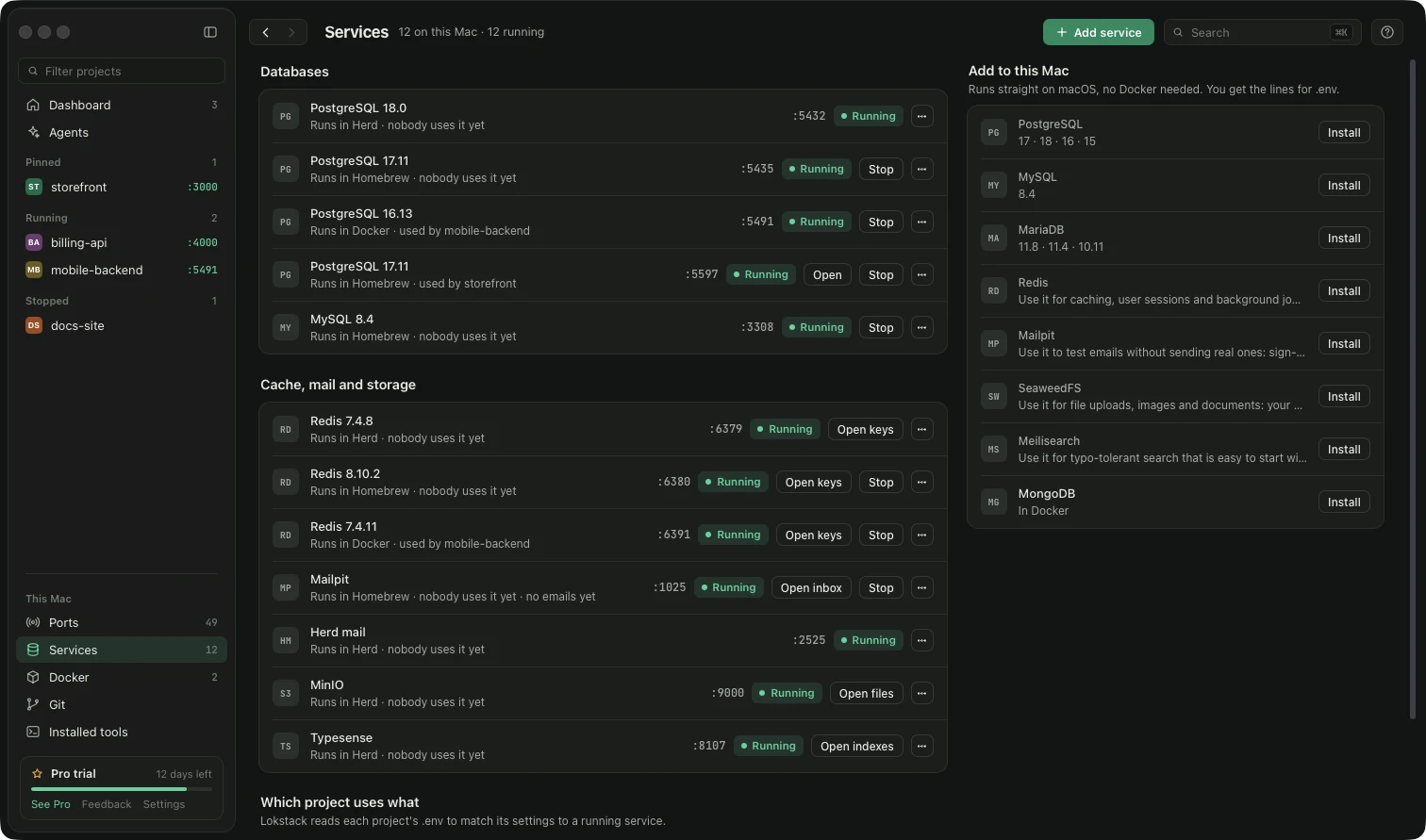
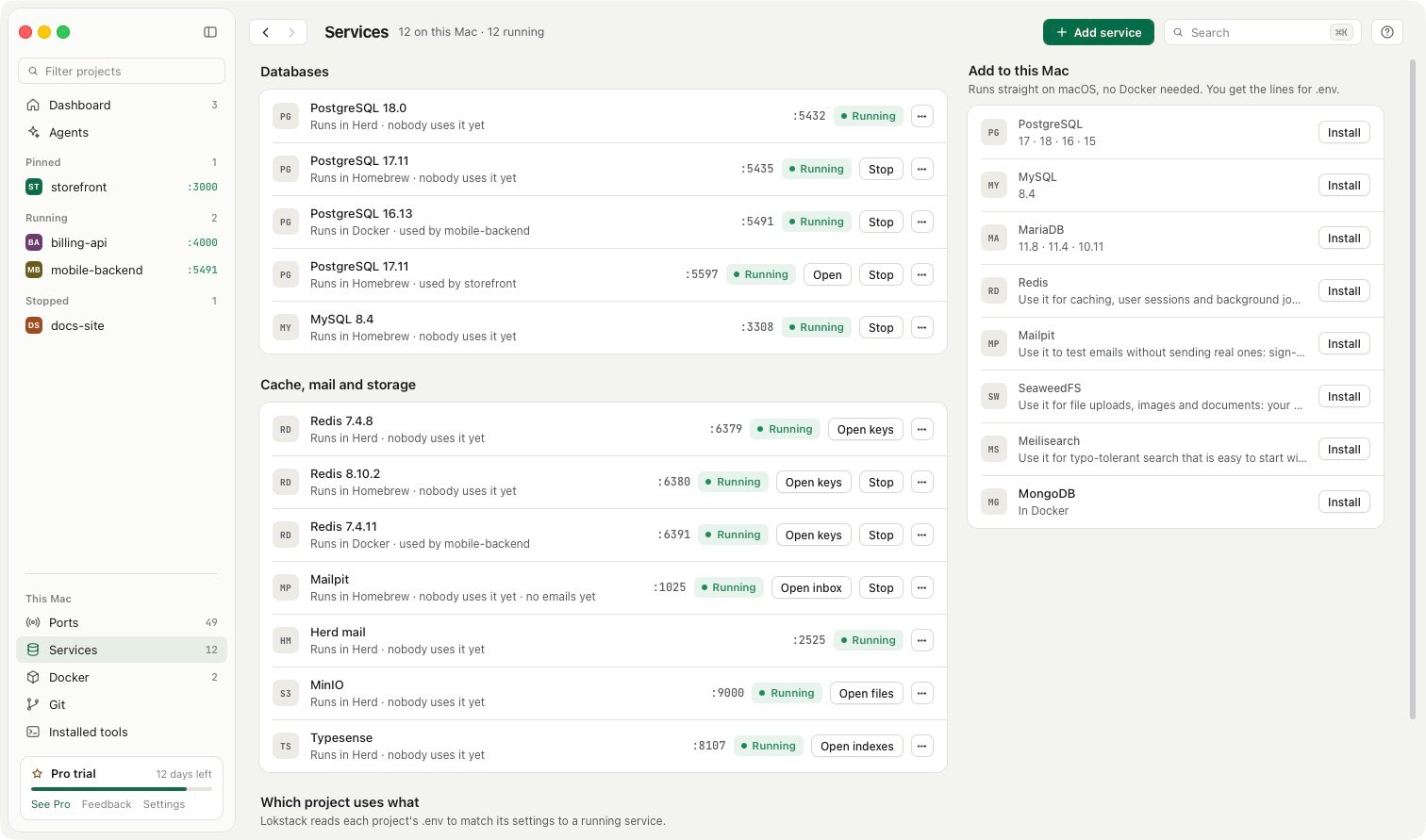
Each agent gets its own lane: a branch, a port and a database copy. Lokstack still shows every project, port and version on your Mac, says why a project will not start, and stops the servers agents leave behind.
Free, local, and built around the tools you already run.
Two slabs. One port.
The logo is also how Lokstack works. Scroll to pull it apart.
The stem
Every project on your Mac.
Each one with the Node, PHP, database and packages it needs, found for you and kept in one list.
A lane for each agent.
The foot is a private copy with its own branch, port and database. It sits beside main and never touches it.
create_lane, teardown_lane
A light for what runs.
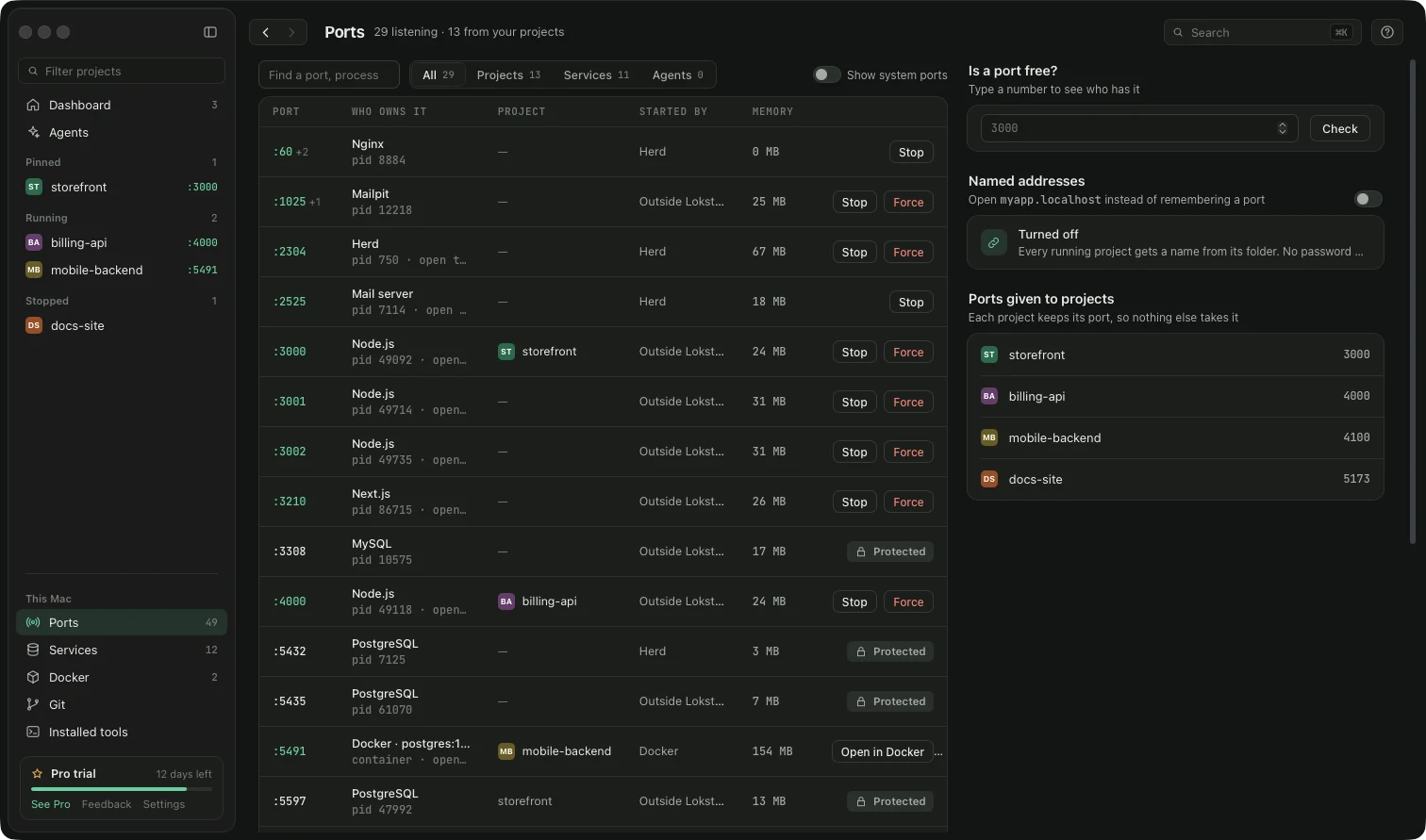
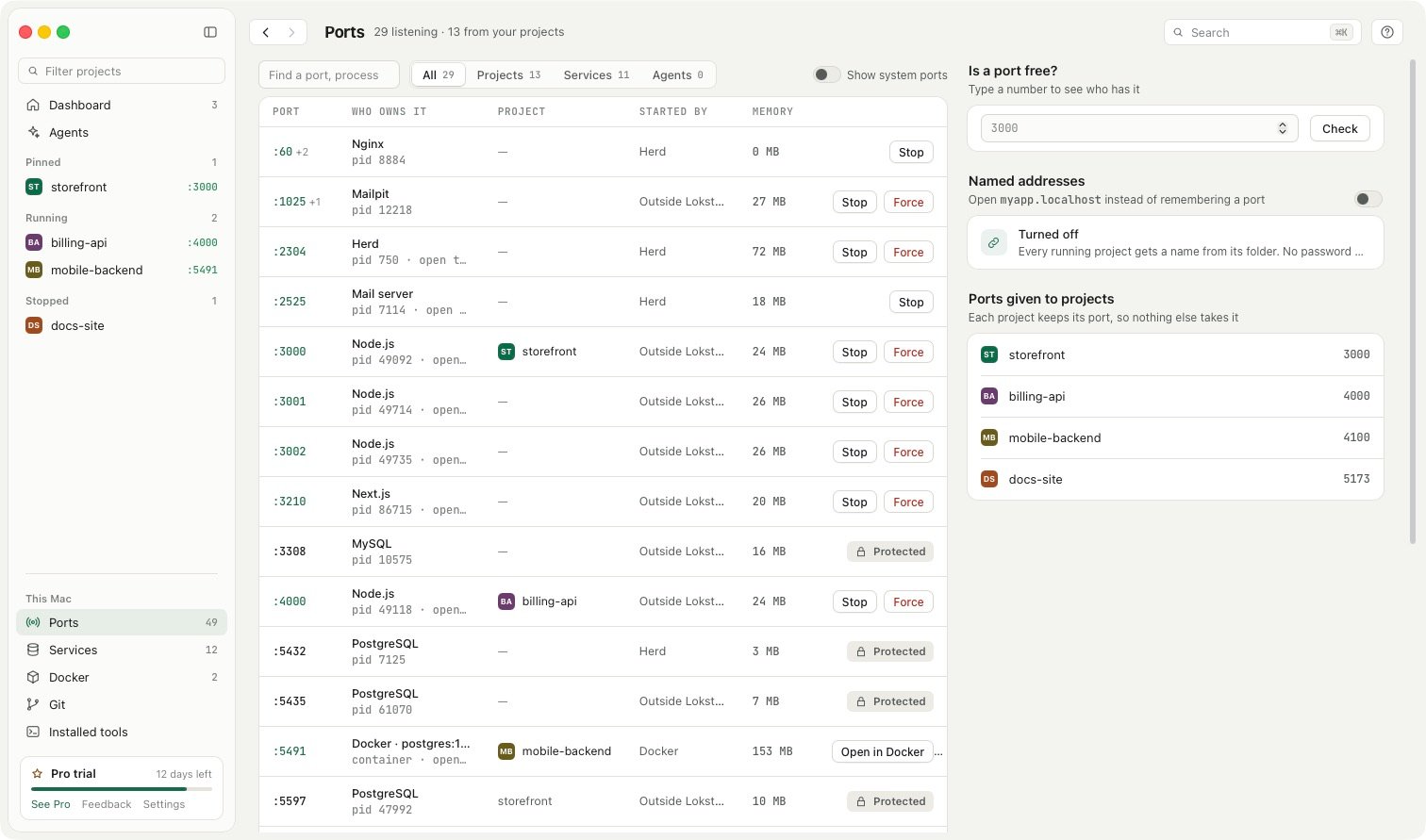
The port is the status light of the whole app. Green means something is live, and Lokstack names it.
The errors that cost you an hour.
Each one gets a plain reason and a button, not a search.
Lanes, in beta
One lane per AI agent. Nobody steps on anybody.
A lane is a copy of your project with its own branch, port and database, so Claude Code, Cursor and Codex can work at once. Beta means it works and has been through a full test pass; the details may still change between releases.
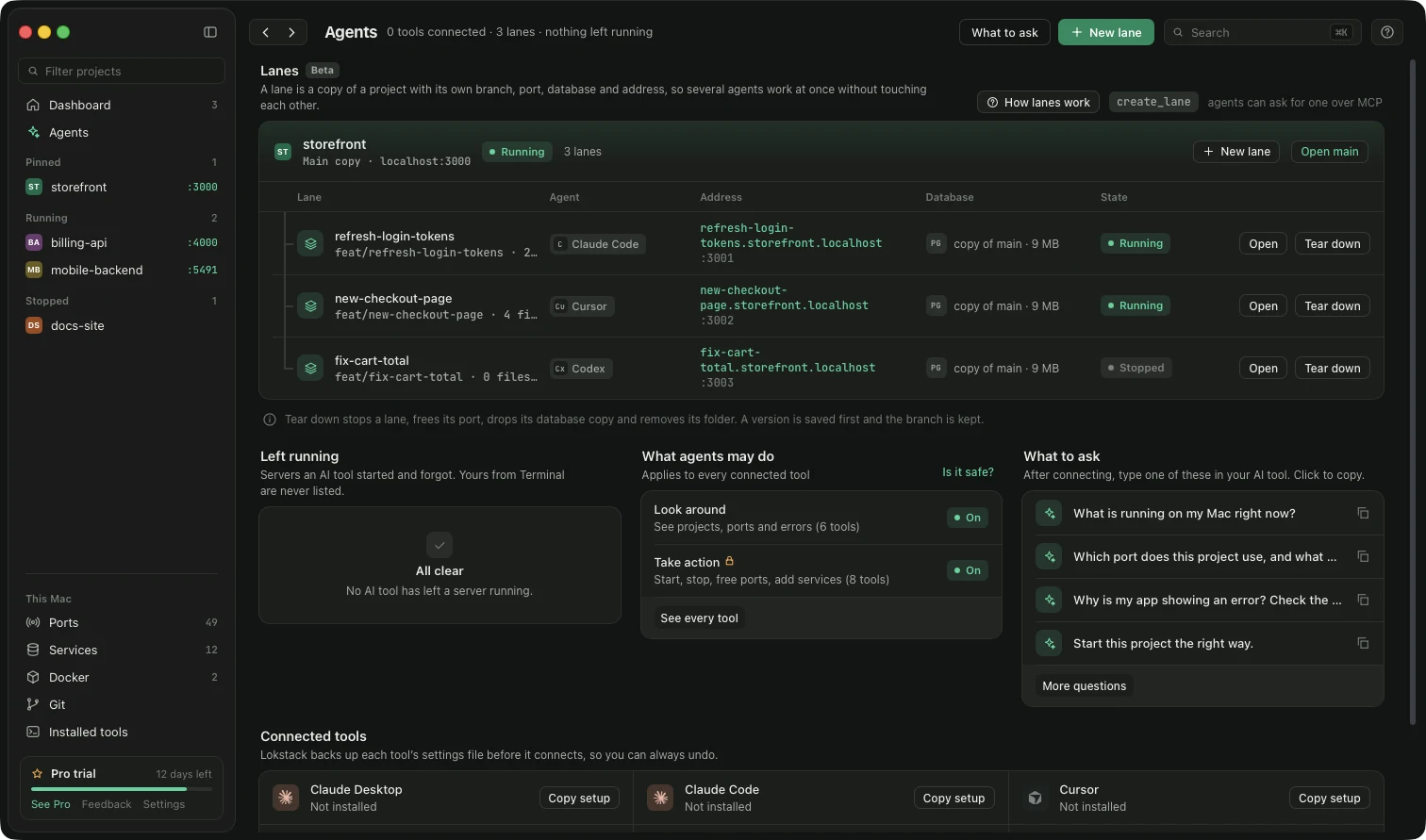
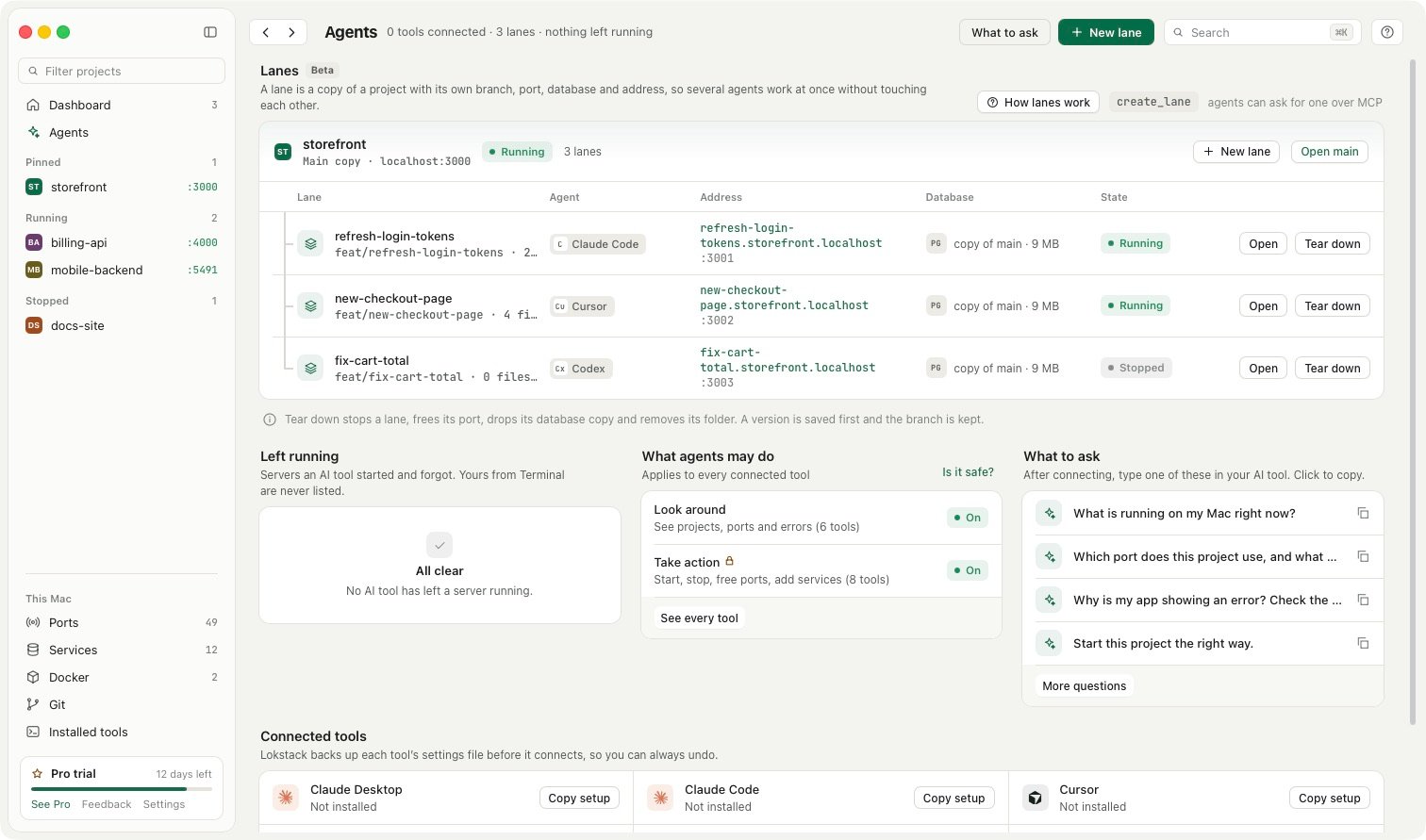
Three agents, one storefront
Each lane gets its own address, port and database copy. Tear one down and the port is freed, the copy dropped, and your branch kept.
See what each agent did
A timeline and the changed files for every lane, plus a check for anything an agent left running.
- refresh-login-tokens:3001
- new-checkout-page:3002
- fix-cart-totalstopped
Agents can ask for one
Over MCP, a tool can call create_lane and teardown_lane itself. Nothing merges until you decide.
One window for the whole stack.
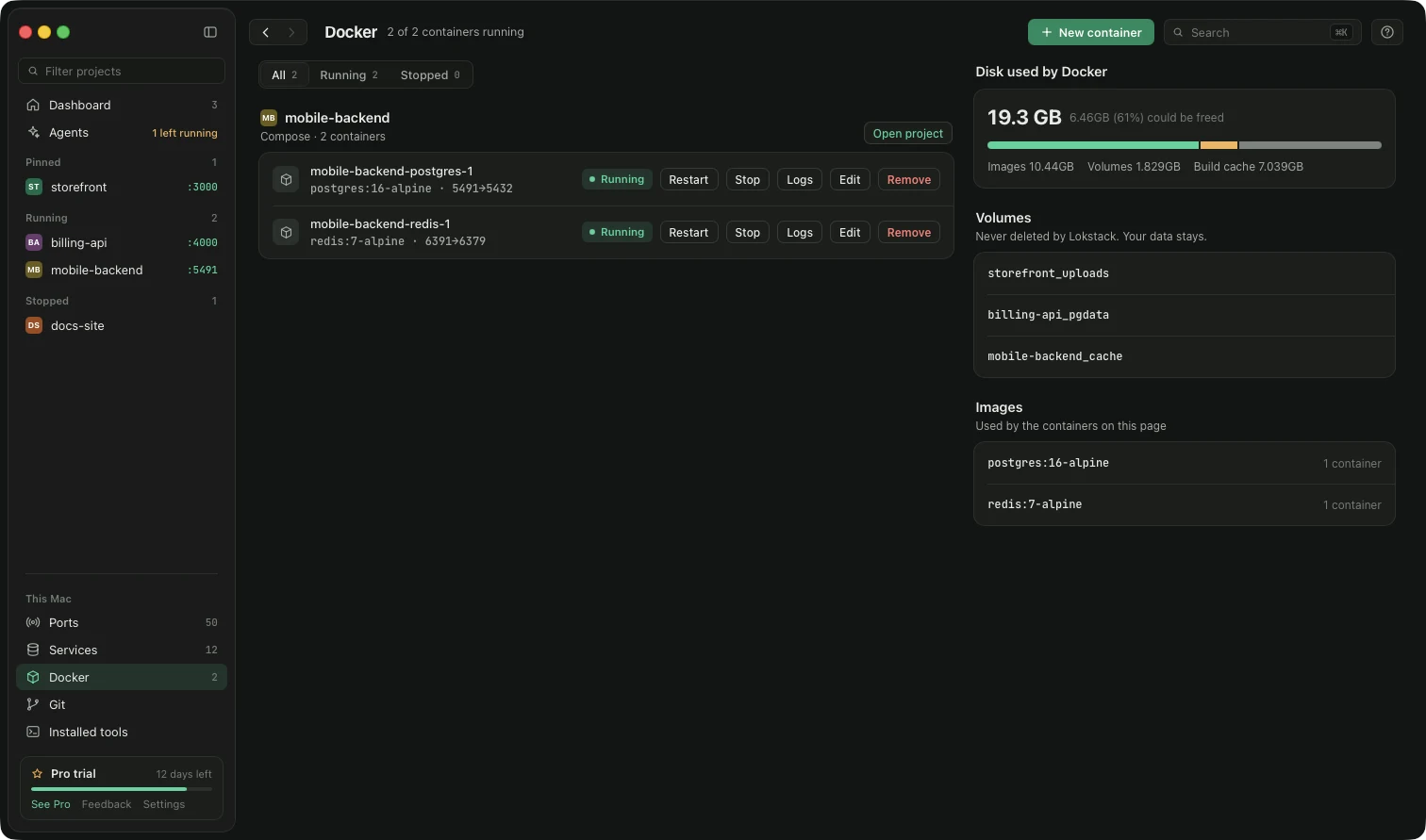
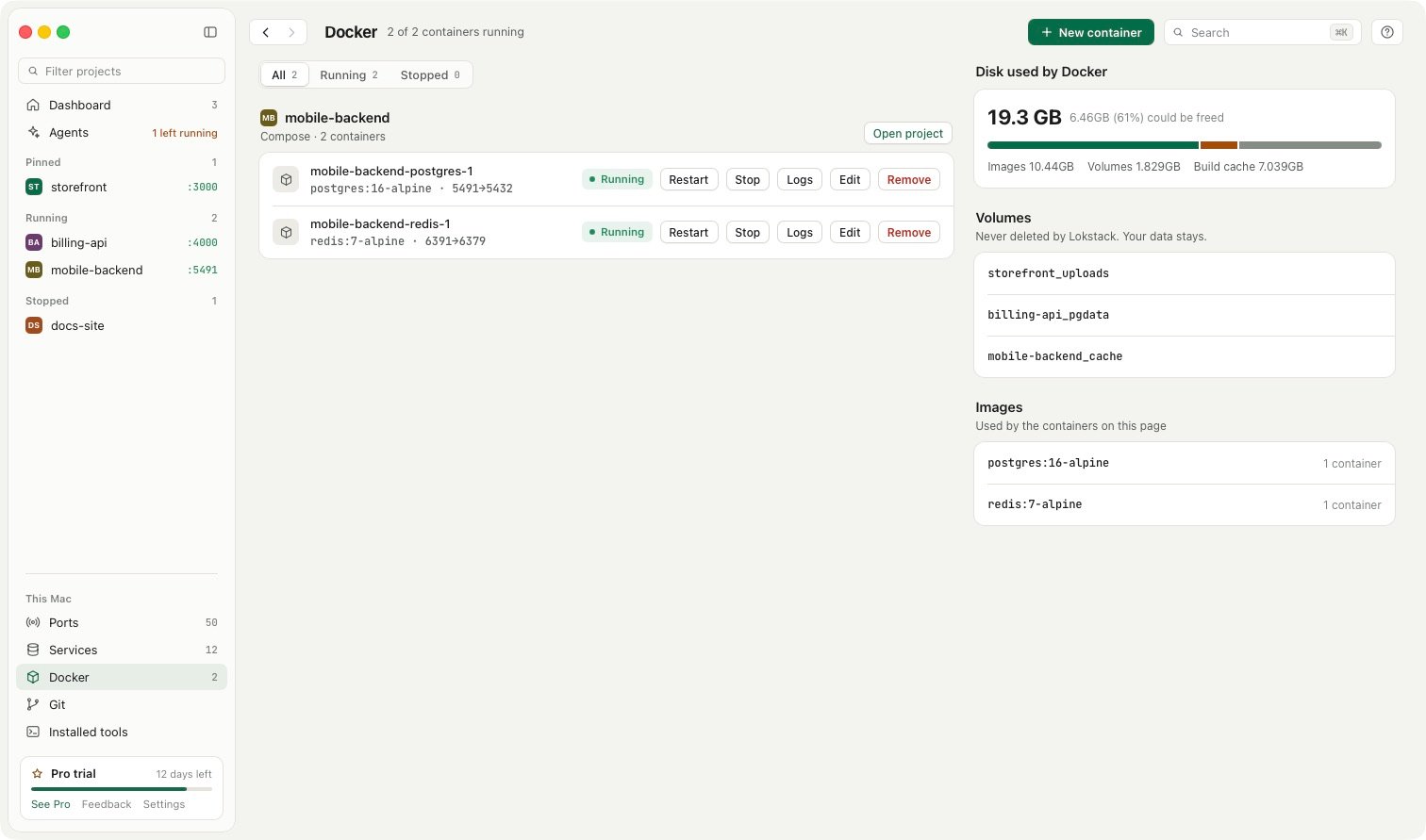
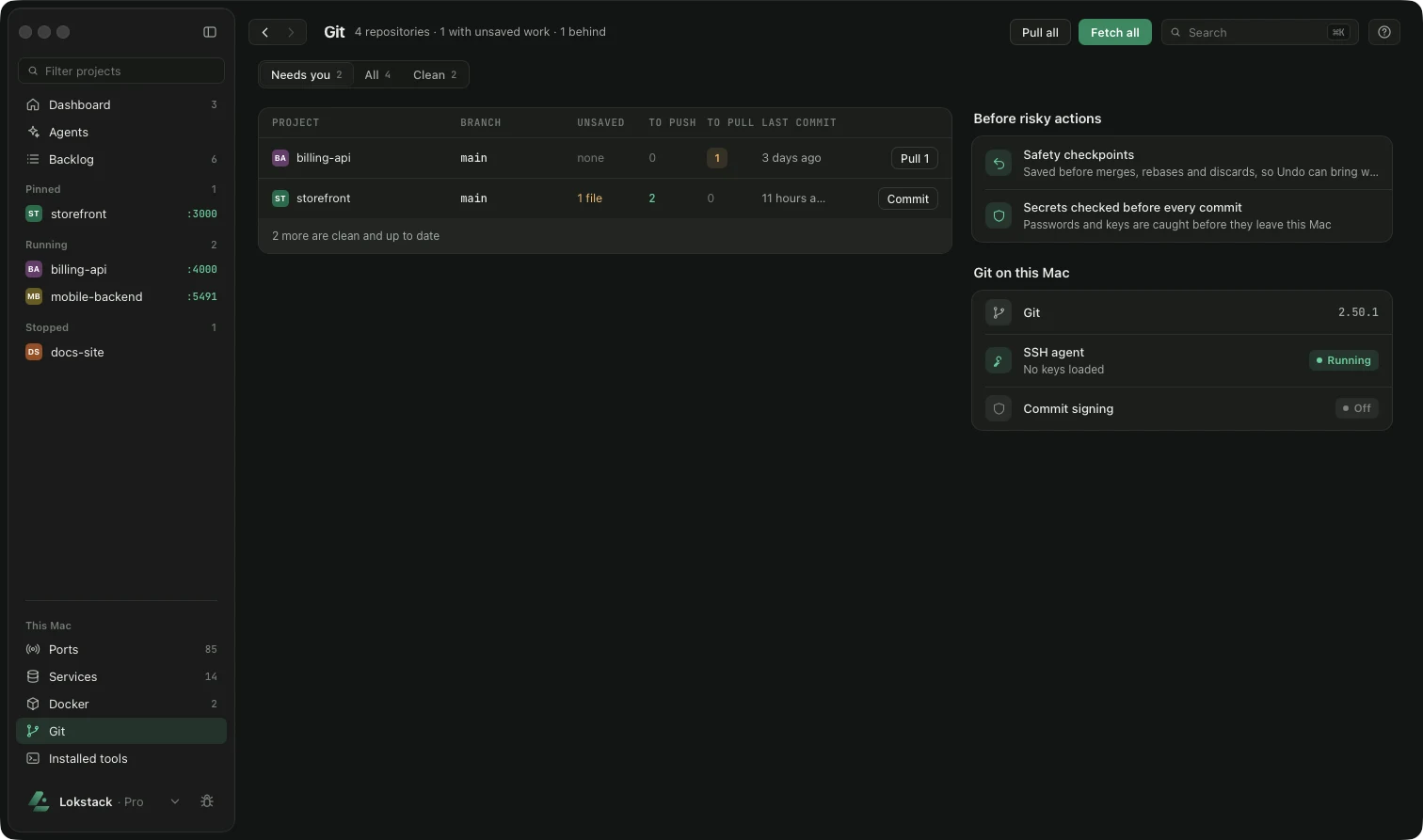
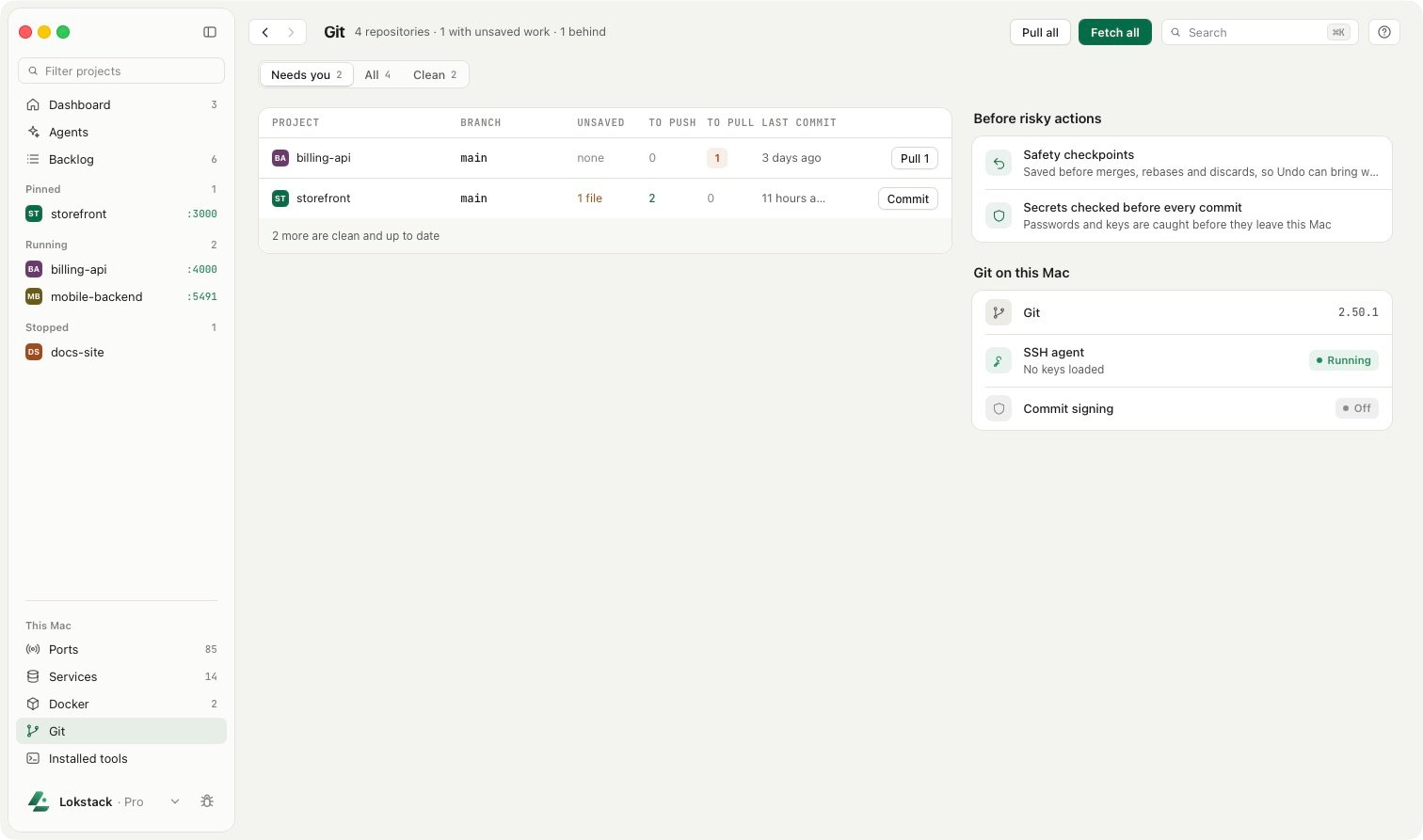
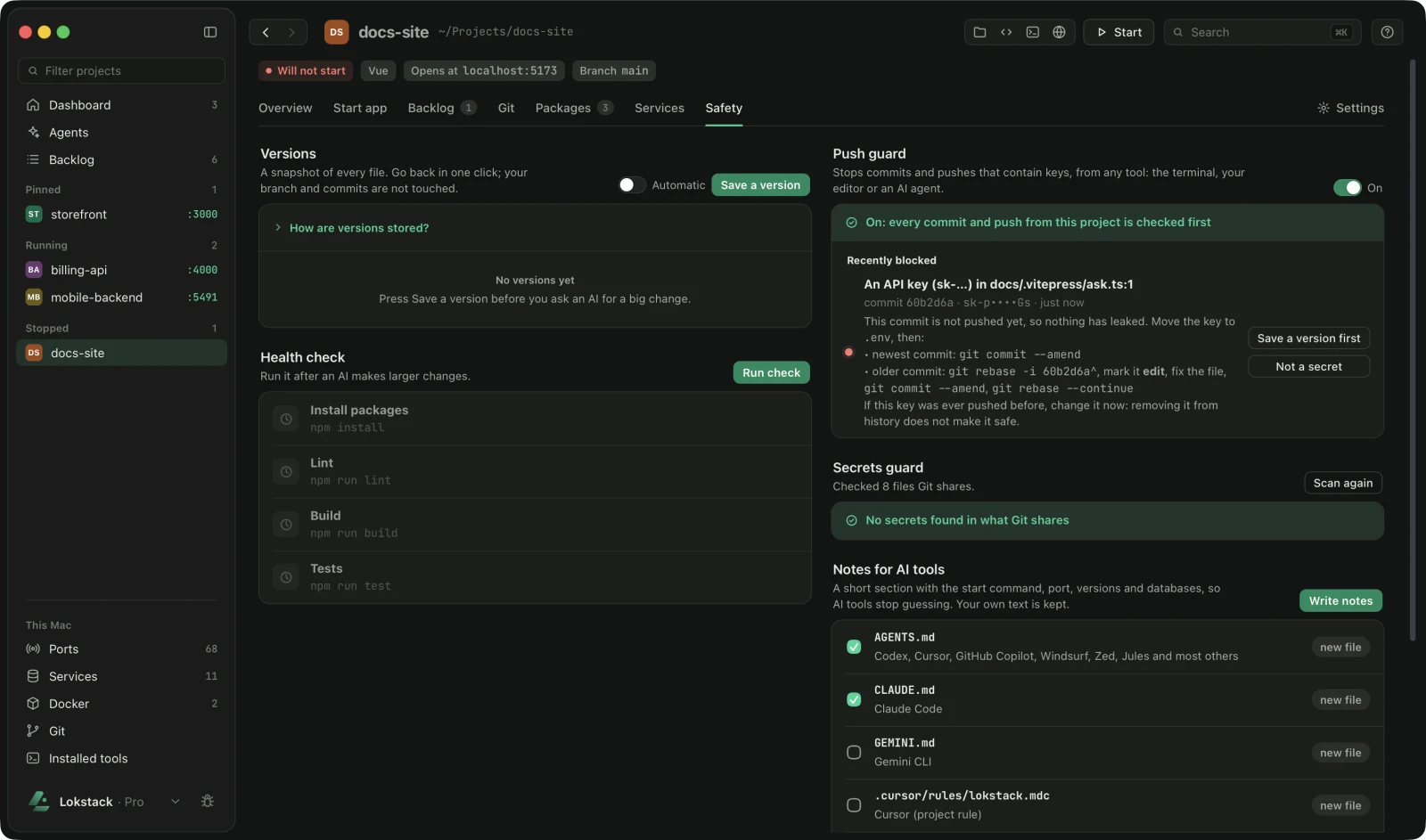
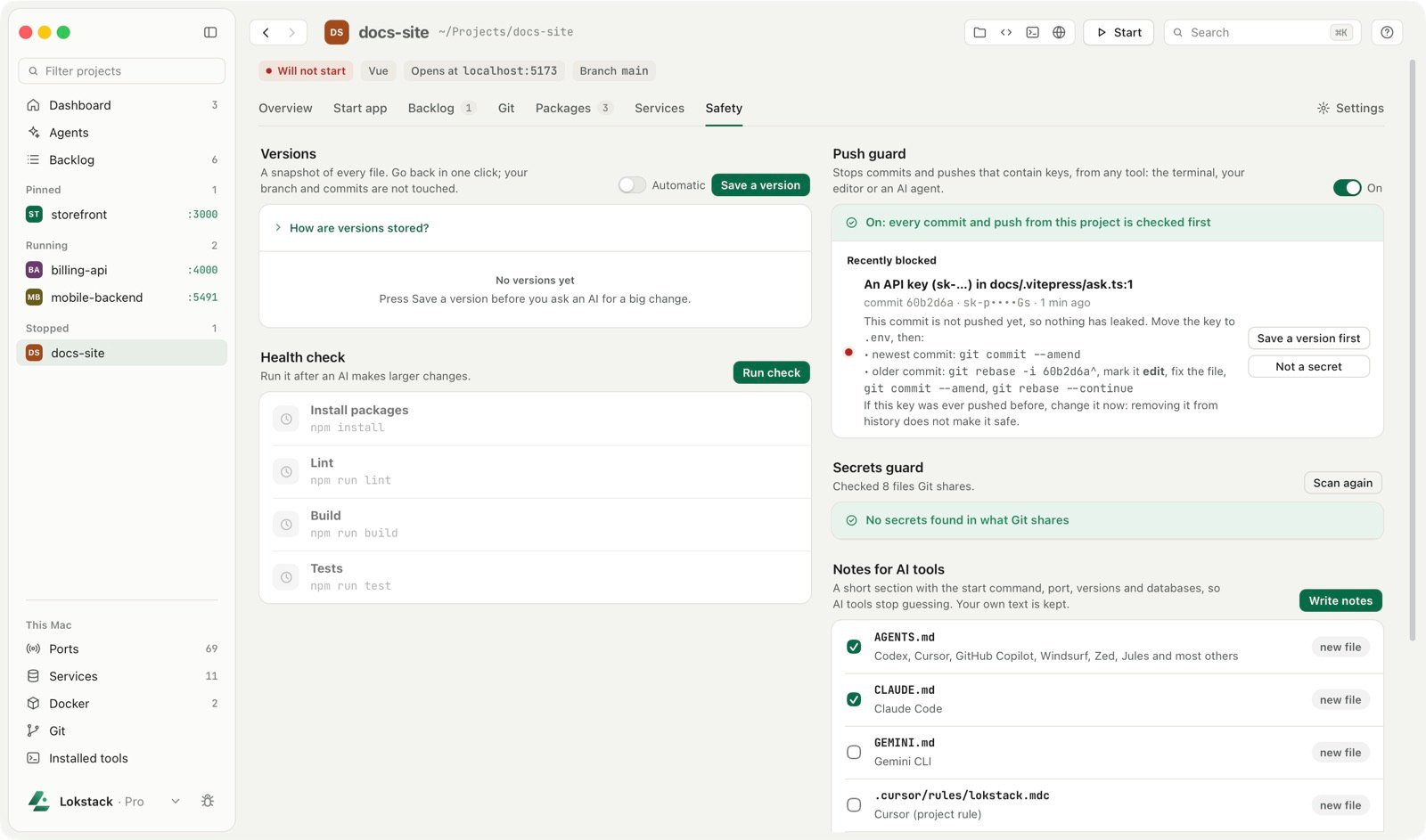
See Lokstack in one minute.
Free for everyday work. Pro for the sharper tools.
A feature that is free today stays free.
Free
$0no time limit
No account. No card. Every Mac.
- See every project, process, port and version
- See what holds each port, then stop or force-quit it
- See why a project will not start
- Everyday Git, the secrets and Push guards, one database
Pro
50% off your first year
$79.99$39.99first year
Then $79.99 a year, up to 3 Macs. Code LAUNCH50 is added at checkout.
- Run anything. One-click fixes, the right Node or PHP per project, unlimited start commands
- Agent-safe. Lanes, MCP actions, restorable versions, conflicts and time machine
- Inside your data. Table rows, files, cache values and container editing
Private by design
Your code never leaves your Mac.
No account, no cloud, no tracking inside the app.
- Local onlyLokstack listens on
127.0.0.1and every change needs a custom header. Nothing on your network can reach it. - Secrets maskedPasswords, tokens and keys in
.envfiles are hidden by default. - Network on your termsIt goes online only to search packages, pull a Docker image or activate a Pro key.
Is Lokstack free?
Everyday use is free with no time limit and no account. Pro adds one-click fixes and power tools for $79.99 a year ($39.99 the first year). A 14-day Pro trial needs no card.
Does it send my code or data anywhere?
No. Lokstack runs on your Mac and listens on 127.0.0.1 only. It has no account, analytics or telemetry. It touches the network only when you search for packages, pull Docker images, or activate a Pro key.
Which Macs does it run on?
macOS 13 Ventura or newer. On Apple Silicon nothing else is needed because Node.js is built in. Intel Macs need Node.js 18 or newer.
How is it different from Activity Monitor or Docker Desktop?
Activity Monitor sees processes and Docker Desktop sees containers. Lokstack understands projects: it joins processes, ports, containers, .env files and runtimes into one picture per project, and tells you why a project will not start.
What happens when the 14-day trial ends?
Lokstack goes back to the Free plan. Nothing is deleted and everyday features keep working.
See your whole stack in a minute.
Download Lokstack, point it at your projects folder, and it finds the rest.


Get Lokstack news first
New releases and offers, about one email a month. Unsubscribe in one click.