
 Lokstack
Laravel Herd and Lokstack both live in your Mac's menu bar and both help with local development, so people ask which one to pick. The short answer: they solve different problems, and many developers will want Herd for PHP and Lokstack for everything around it. Here is the honest version.
What Laravel Herd is#
Herd is the official local development environment from the Laravel team. It installs and runs the full PHP stack for you: PHP, nginx, DNS, Node (with nvm), Composer and the Laravel installer, without containers. Every folder in your Herd path becomes a site at yourapp.test, with HTTPS a click away.
It is very good at that. PHP versions from 7.4 up install in seconds and can be set per site. Over 85,000 developers use it every day, according to its site.
Herd has also moved into AI-assisted work:
- Workspaces give each branch its own copy of a site, its own
.testsubdomain and, if you want, its own copy of the database (MySQL, MariaDB, PostgreSQL or SQLite). They are designed so you, or several coding agents, can work on different features at the same time. - Herd Studio opens a site with a live preview, console, logs, terminal and a chat with your own coding agent (Claude Code, Codex, OpenCode, Cursor and others).
- Laravel Boost lets coding agents use the Herd CLI to read dumps and queries, check test emails and turn on HTTPS.
Pricing: Herd is free, including PHP, nginx, DNS, Node and Herd Studio. Herd Pro is $99 a year and adds managed services (MySQL, PostgreSQL, Redis and more), Mail, Insights, Tinker, Xdebug detection, runtime context for coding agents, and email support. A Pro licence works on two devices at a time. There is no Pro trial, but purchases have a 14-day refund policy. Herd also runs on Windows.
What Lokstack is#
Lokstack is a Mac app that shows everything running for your local projects in one window, whatever they are built with: Node, PHP, Docker containers, databases and Git. It does not replace your stack. It reads the one you already have, including Herd's.
- It finds your projects (it looks in
~/Projects,~/Herdand~/Sitesby default) and shows each one's processes, ports, containers,.envsettings and runtimes together. - Why it will not start explains what is wrong, such as a wrong Node version, missing packages, a stopped database or a busy port, and puts the fix next to the reason.
- Ports lists every listening port with its program and project, with Stop and Force buttons.
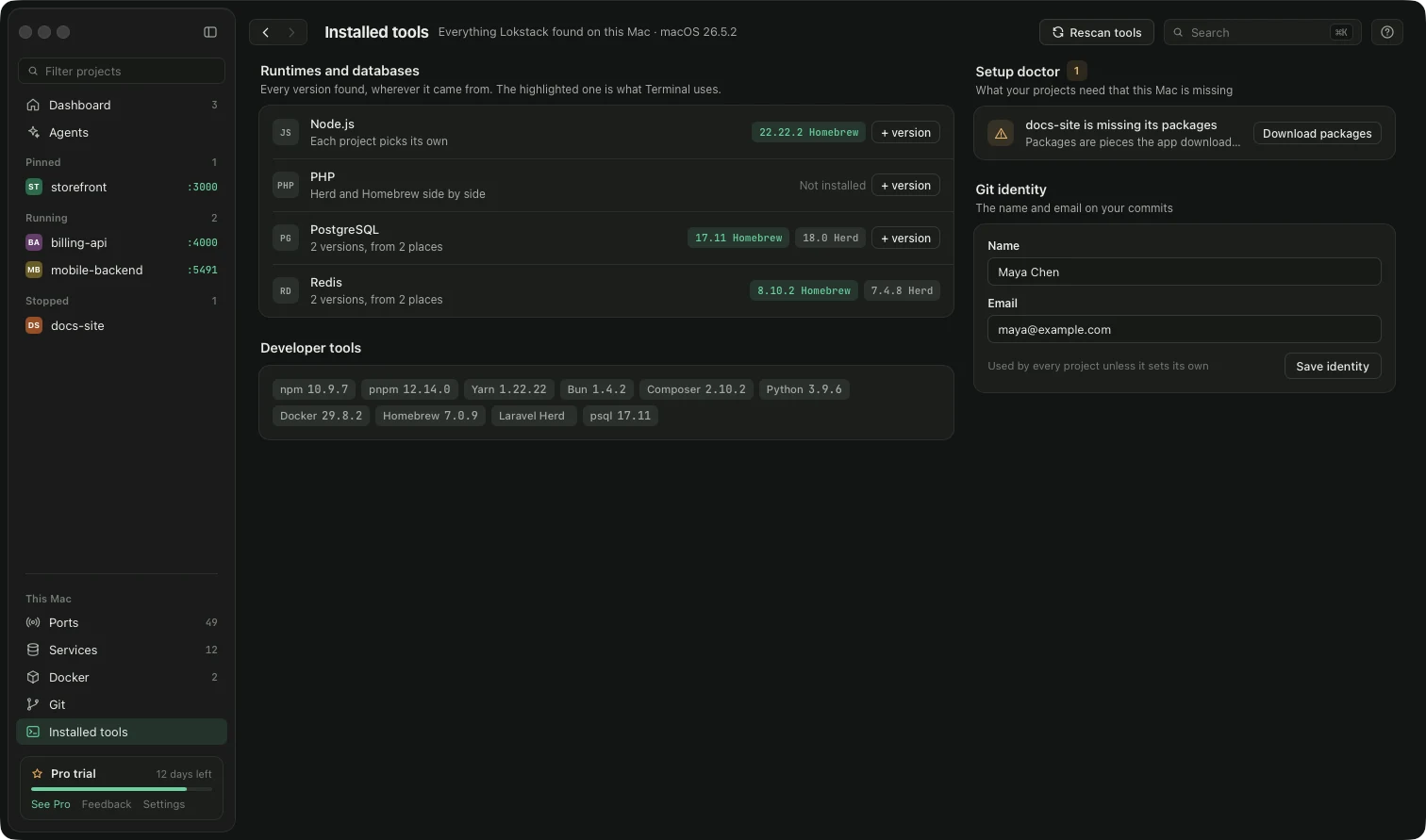
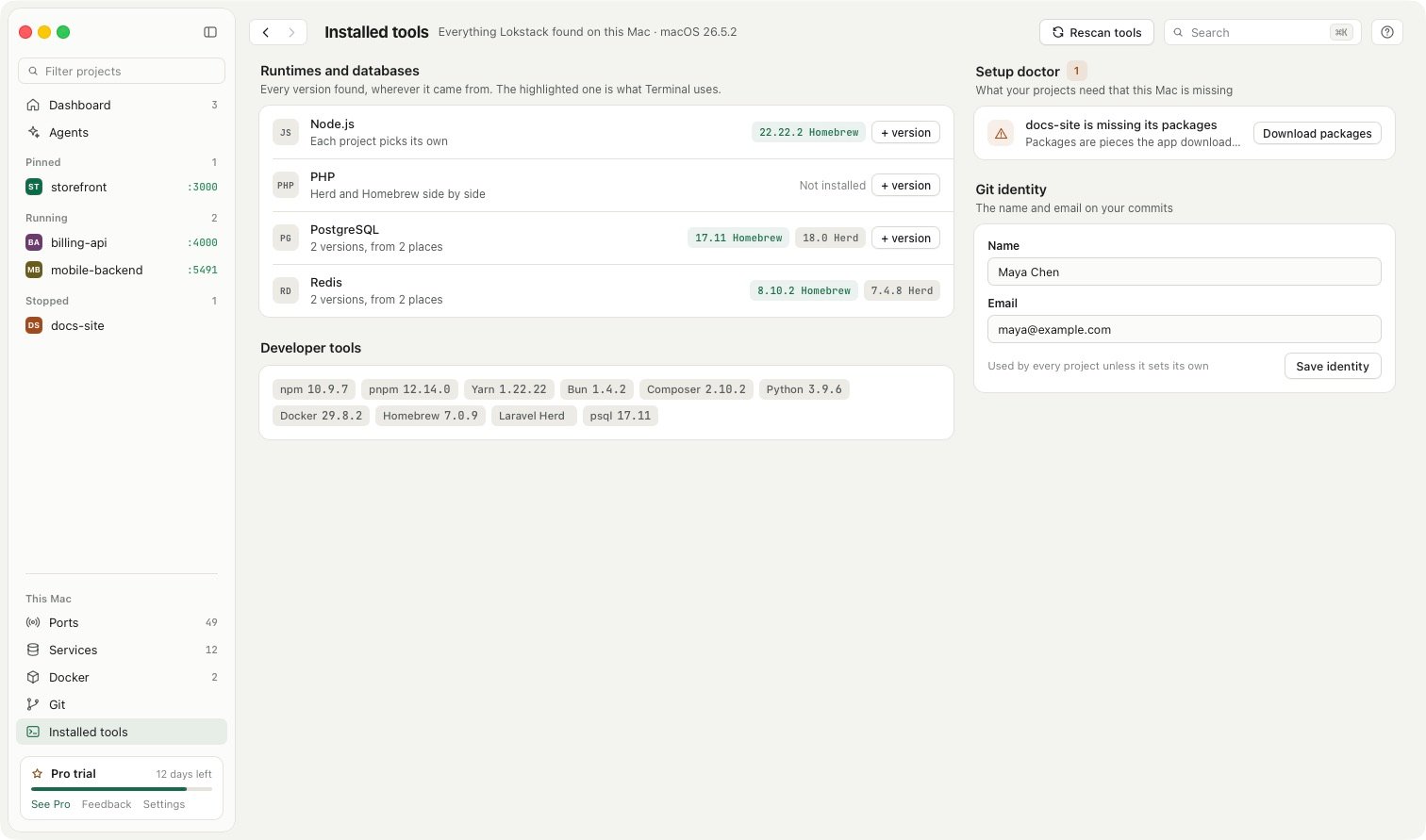
- Installed tools shows every Node.js and PHP version found, whether it came from nvm, Homebrew or Herd.
- Lanes (Pro, in beta) give each AI coding agent its own Git branch and folder, port, database copy and address, for any Git project, not only PHP sites.
Pricing: the free version covers the dashboard, ports, Stop and Force, why a project will not start, Docker controls, everyday Git with a secrets guard, and two services without Docker. Pro is $79.99 a year, with 50% off the first year ($39.99, applied for you when you press Buy Pro), for one person on up to 3 Macs, with a 14-day trial and no card. Lokstack is Mac only (macOS 13 or newer).
Side by side#
| Feature | Laravel Herd | Lokstack |
|---|---|---|
| Main job | Install and run a PHP and Laravel stack | See and fix everything running for your projects |
Serves PHP sites (nginx, .test domains, HTTPS) | Yes | No |
| PHP versions | Installs 7.4 and up, set per site | Shows every PHP found and can install another; per project is Pro |
| Node versions | Yes, via nvm | Shows every Node found; per project is Pro |
| Built for | PHP and Laravel sites | Any local project: Node, PHP, Docker, databases |
| Every port and process on your Mac, with Stop and Force | No | Yes, Free |
| Explains why a project will not start | No | Yes, Free |
| Copy of a project per agent | Workspaces, for Herd sites | Lanes (Pro, beta), for any Git project |
| AI agent integration | Herd Studio, Laravel Boost, Herd CLI | MCP tools; agents can make lanes but cannot merge them |
| Databases and services | Pro: MySQL, PostgreSQL, Redis and more | Free: 2 without Docker (PostgreSQL, MySQL or Mailpit) and 1 in Docker; Pro: unlimited, plus MariaDB, Redis, SeaweedFS, Meilisearch |
| Platforms | macOS and Windows | macOS only |
| Paid plan | $99 a year, 2 devices, refund within 14 days | $79.99 a year ($39.99 the first year), 3 Macs, 14-day trial with no card |
Where Herd is better#
Be honest with yourself about what you build. If most of your work is Laravel or PHP, Herd is the better core tool. It actually runs your PHP sites, with nginx, .test domains and HTTPS certificates, and Lokstack does not do that. Herd's workspaces cover much of what Lokstack's lanes do for Laravel sites, and Herd Studio and Laravel Boost are built specifically around Laravel. Herd also has Windows support, a large community and a team behind it.
Where Lokstack is better#
Lokstack is the better fit if your Mac runs a mix of things: a Next.js app, a Laravel API, a Postgres in Docker and a Redis from Homebrew. It shows all of them in one place, tells you which program holds which port, and explains why a project will not start in plain words. Its lanes work for any Git project with a dev server, so a Node front end and a PHP back end can each get their own agent lane. And it cleans up the dev servers AI tools leave running, which is free.
Using both together#
You do not have to choose. Lokstack picks up projects in ~/Herd and lists Herd's PHP and Node versions next to the ones from nvm and Homebrew, so you can see which one a project is really using. One limit to know: Herd's nginx runs as root, so stop it from Herd itself, not from Lokstack.
A common setup is Herd serving your PHP sites, and Lokstack watching ports, Docker, databases and AI agents across every project.