
 Lokstack
ServBay and Lokstack both promise a calmer local development setup on a Mac, and both connect to AI coding tools over MCP. They start from opposite ends, though. ServBay installs and runs a complete stack for you. Lokstack works with whatever you already run, wherever it came from.
What ServBay is#
ServBay is a local development environment for macOS and Windows. It installs and manages web servers, languages and databases without Docker:
- Web servers: Caddy, Nginx and Apache, with a default you can switch.
- Languages: PHP from 5.6, Node.js, Python, Go, Java, .NET, Ruby and Rust, several versions side by side, pinned per project.
- Databases and services: MySQL, MariaDB, PostgreSQL, MongoDB, Redis, Memcached and SQLite, plus phpMyAdmin and Adminer.
- Local domains: its own DNS for made-up endings, and a built-in certificate authority for trusted local HTTPS.
- AI: a free MCP server lets Claude Code, Cursor or Codex start services, create sites, read logs and query databases. It also has an AI gateway for several model providers and local Ollama models.
Pricing: the free plan covers 1 user on 2 devices and up to 5 websites. Pro is $59 a year or $9.90 a month for unlimited sites on 2 devices, and adds a mail server, tunnels, search engines, MinIO and ACME certificates. Team is $399 a year for 10 users. Pro and Team have a 7-day trial. ServBay runs on macOS 12 or newer and Windows 10 or newer.
What Lokstack is#
Lokstack is a Mac app that shows everything running for each of your projects, however it was started: from Terminal, an editor, an AI agent, Docker, Homebrew or Herd. It does not ask you to move your stack into it.
- Ports lists every listening port on the Mac with its program and project, with Stop and Force.
- Why it will not start checks the port, the Node version, packages,
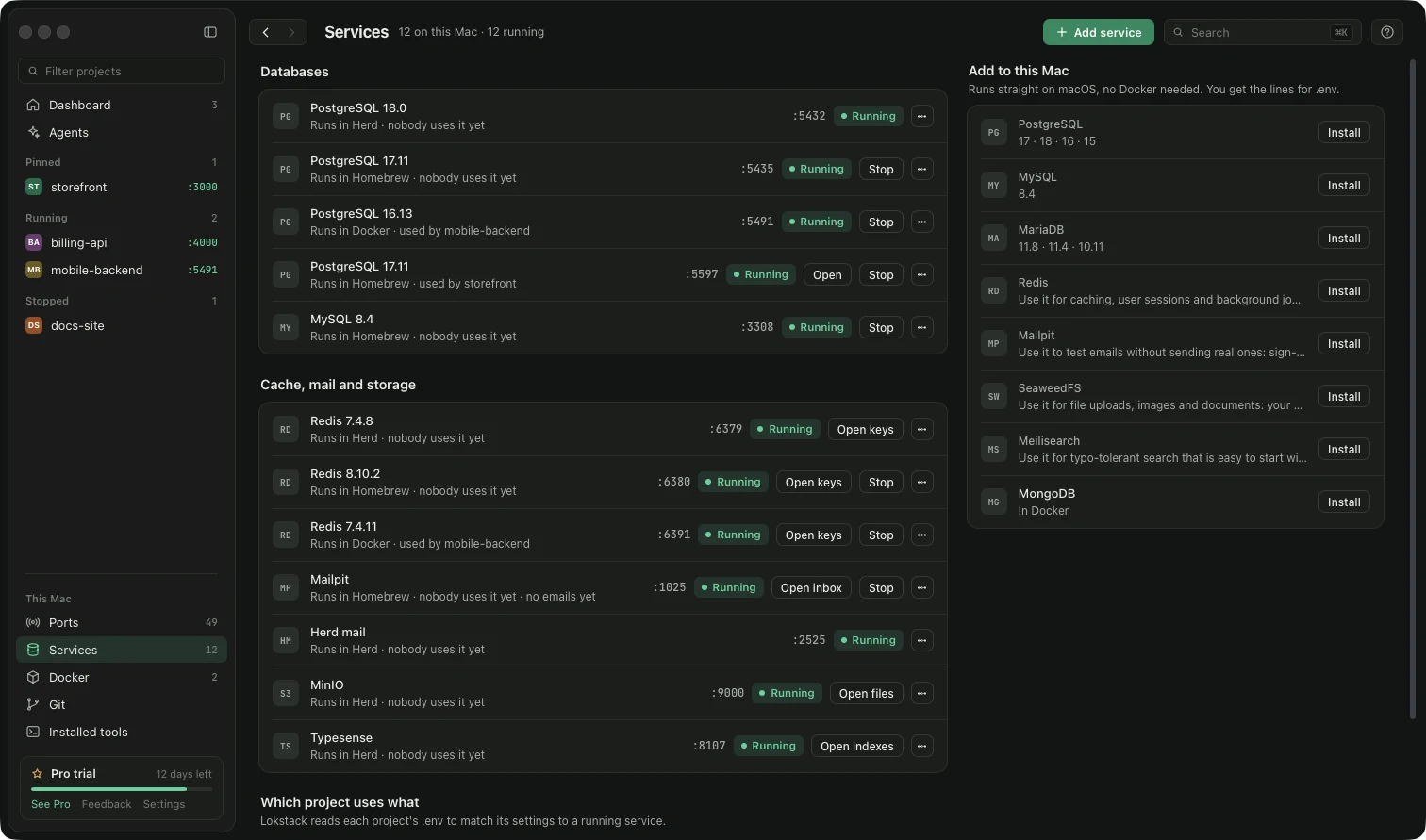
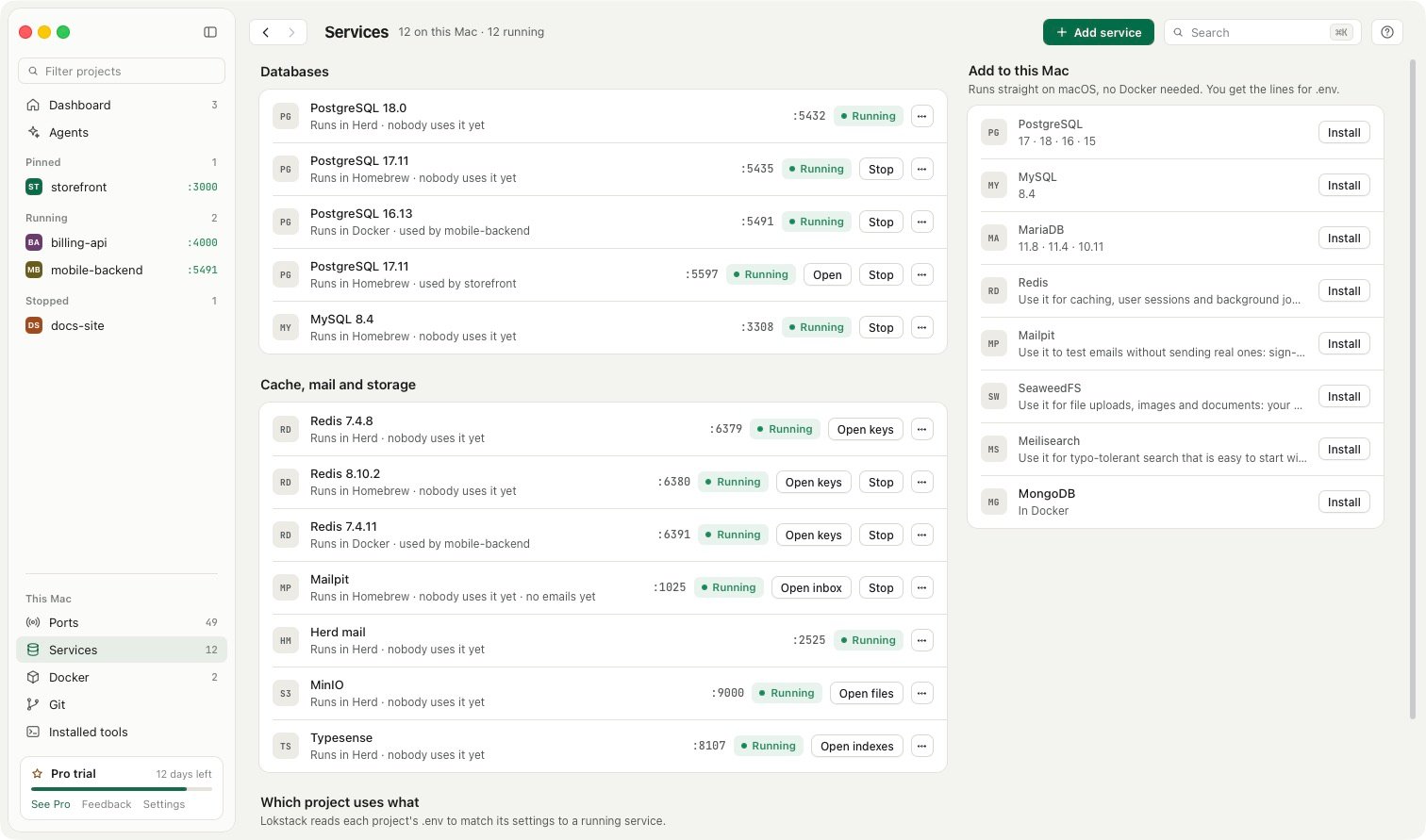
.envsettings and the database, and puts the fix next to the reason. - Services installs PostgreSQL, MySQL, Mailpit and more with Homebrew, and shows which project uses which database.
- Lanes (Pro, beta) give each AI coding agent its own git worktree, port, database copy and address.
- Backlog: notes, links and todos per project, kept out of the project folder, readable by your AI tools.
Pricing: free for personal and work use, with no time limit and no account, including ports, Stop and Force, the start checks, Docker controls, everyday Git and two services without Docker. Pro is $79.99 a year ($39.99 the first year) for one person on up to 3 Macs, with a 14-day trial and no card. Mac only, macOS 13 or newer.
Side by side#
| Feature | ServBay | Lokstack |
|---|---|---|
| Main job | Install and run a full local stack | See and fix what runs for every project |
| Web servers (Nginx, Apache, Caddy) | Yes | No, it works with the ones you have |
| Languages it installs | PHP, Node, Python, Go, Java, .NET, Ruby, Rust | Node.js and PHP versions |
| Databases it installs | MySQL, MariaDB, PostgreSQL, MongoDB, Redis and more | Free: 2 without Docker; Pro: unlimited, plus MariaDB, Redis, SeaweedFS, Meilisearch |
| Sees servers started outside it | No | Yes, every listening port and process |
| Explains why a project will not start | No | Yes, free |
| Docker containers | No, it replaces Docker for many setups | Yes, start, stop, logs and Compose |
| MCP for AI tools | Yes, free | Yes; reading is free, actions are Pro |
| Separate copy per AI agent | No | Lanes (Pro, beta): worktree, port, database copy, address |
| Local domains and HTTPS | Custom endings, trusted local HTTPS | .localhost, .lokstack or .ls-dev, HTTP |
| Platforms | macOS 12+ and Windows | macOS 13+ only |
| Paid plan | $59 a year, 2 devices, 7-day trial | $79.99 a year, 3 Macs, 14-day trial with no card |
Where ServBay is better#
If you want one app to install and serve your whole stack, ServBay does far more of that than Lokstack. It runs real web servers with trusted HTTPS, covers many more languages and databases, and runs on Windows too. For PHP, Python or Go sites that need Nginx or Apache in front, ServBay is the more complete tool. Its MCP server is also free for actions that are Pro in Lokstack.
Where Lokstack is better#
Lokstack is better when your Mac already has a mix: Node apps started from Terminal, Postgres from Homebrew, Redis in Docker, PHP from Herd. It sees all of it, tells you which program holds which port, and says in plain words why a project will not start. And if you run several AI agents at once, lanes give each one its own branch, port and database copy, which ServBay does not do.
Using both together#
They can share a Mac. Sites ServBay serves show up on Lokstack's Ports page like any other program, so you can see what holds port 80, 443 or 3306 at a glance. Lokstack's start checks and lanes work on any git project, including ones ServBay serves.
Prices and features checked on 24 October 2026 on servbay.com.