
 Lokstack
Every program that serves something on your Mac, a dev server, a database, a mail catcher, listens on a numbered port. When two programs want the same port, the second one fails. This guide works for any port number. The commands are built into macOS, so there is nothing to install.
Ports you will meet most often#
| Port | Usually |
|---|---|
| 3000 | Next.js, Express, Rails, many Node templates |
| 5173 | Vite (React, Vue, Svelte) |
| 8000 | Laravel php artisan serve, Django, Python's http.server |
| 8080 | Java servers, proxies, many "alternate HTTP" tools |
| 5432 | PostgreSQL |
| 3306 | MySQL and MariaDB |
| 6379 | Redis |
| 1025 / 8025 | Mailpit or MailHog (mail in, web inbox) |
A busy 3000 or 5173 is almost always an old dev server. A busy 5432 or 3306 is almost always a database, and you probably want to keep it.
1. See what is listening on one port#
lsof -nP -iTCP:5173 -sTCP:LISTEN-iTCP:5173 picks the port, -sTCP:LISTEN shows only the program that is listening (not the ones connected to it, like your browser) and -nP keeps addresses and ports as plain numbers. The PID column is what you need next.
2. See every listening port at once#
When you do not know which port is the problem, list them all:
lsof -nP -iTCP -sTCP:LISTENOn a busy Mac this is a long list. To see just the program and port, sorted:
lsof -nP -iTCP -sTCP:LISTEN | awk 'NR>1 {print $1, $2, $9}' | sort -u3. Check what the process is#
ps -o pid,etime,command -p 48213
lsof -a -p 48213 -d cwd
The first line shows the full command and how long it has run. The second shows the folder it was started in, which usually tells you the project.
4. Stop it the right way#
A dev server (node, vite, next, php, python): ask it to quit, then check the port again.
kill 48213If it is still there after a few seconds, kill -9 48213 ends it at once. For a listening program on one port, this one line does both steps:
kill $(lsof -t -iTCP:5173 -sTCP:LISTEN)A database (postgres, mysqld, redis-server): do not use kill -9. Stop it from whatever started it, so it can finish writing to disk:
brew services stop postgresql@17Or stop it from Docker (docker stop <container>), Laravel Herd or DBngin, if one of those runs it. A database that was ended at once usually recovers, but it is a needless risk.
"Operation not permitted" means the program belongs to another user, often a web server that runs as root (Herd's and MAMP's nginx and Apache do). Stop it from that app instead of reaching for sudo kill.
5. Make it stop happening#
- Give every project its own port in its
.envor dev script, so two projects never ask for the same one. - Stop servers with Ctrl+C before closing their terminal tab.
- If you use AI coding agents, tell them to stop the servers they start. They often leave
npm run devrunning in the background. - Run each database once, from one place. Postgres from Homebrew and Postgres from Docker both want 5432, and the second fails or quietly moves.
The easier way: one window for every port#
Lokstack is a free Mac app with a Ports page that lists every listening port on your Mac with the program, the project it belongs to, who started it and how long it has run. Search by port number, program or project.
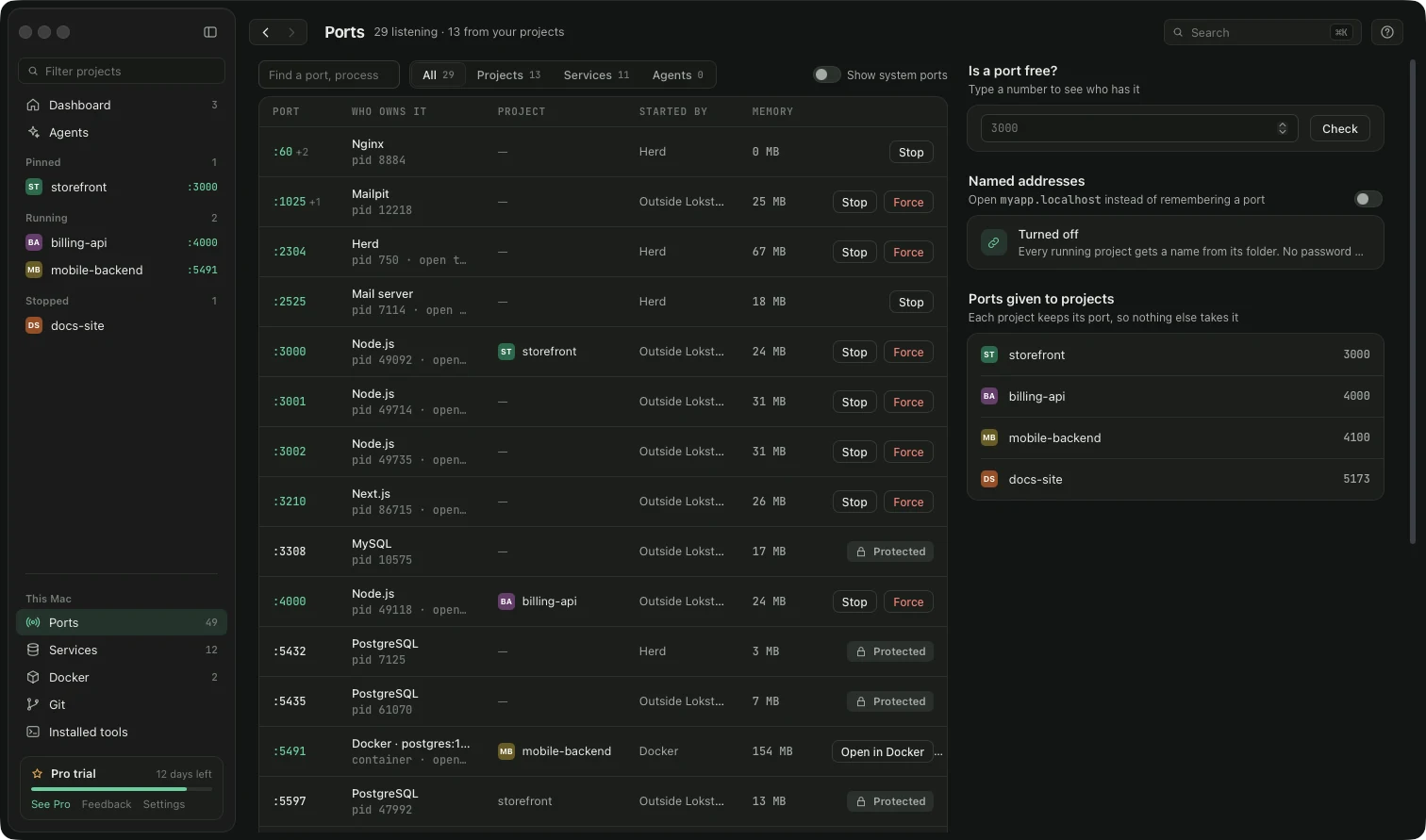
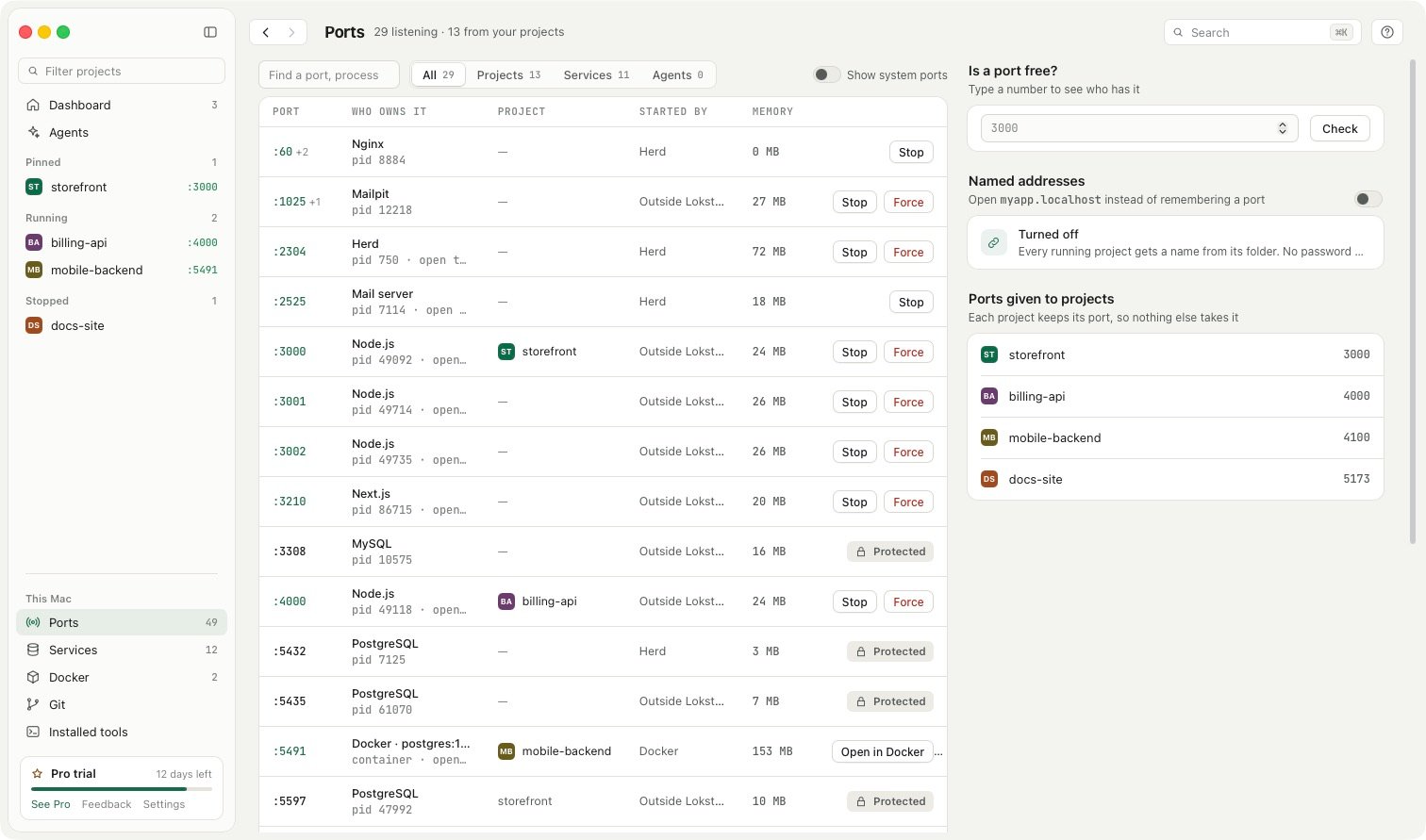
- Stop asks a program to quit and Force ends it at once.
- Databases and other services are Protected, so a stray click cannot end your Postgres.
- Is a port free? checks a number before you pick it for a new project.
- Ports given to projects keeps each project on its own port, so nothing else takes it.
That is all in the free version. If you would rather open myapp.localhost than remember port numbers at all, see Use a custom local domain instead of localhost:3000.