
 Lokstack
With three projects running, localhost:3000, localhost:3001 and localhost:5173 all look alike, and the numbers change when a port is busy. Names are easier: shop.localhost, billing.localhost, docs.localhost. They also keep each project's cookies and local storage apart, because browsers treat each name as its own site.
A local name needs two things: the name must point at your Mac, and something must send that name to the right port.
Pick a safe ending#
Not every ending works well for local sites:
| Ending | Use it? |
|---|---|
.localhost | Yes. Reserved for your own computer, and modern browsers already send every *.localhost name to it, with no setup. |
.test | Yes. Reserved for testing, never a real website, but you need a local DNS setup for it. |
.local | No. macOS uses it for Bonjour (printers, other Macs), so lookups are slow or go to the wrong place. |
.dev, .app | No. Real public endings owned by Google, and browsers force HTTPS on them. |
| a made-up ending | Only if it is not a real public ending today, and you accept that one could be created later. |
For most people, .localhost is the answer: it needs no DNS change and no admin password.
The by-hand way: a name, a hosts entry and a proxy#
1. Point the name at your Mac. Skip this for .localhost. For any other ending, add a line to /etc/hosts (this needs your Mac password):
sudo sh -c 'echo "127.0.0.1 shop.test" >> /etc/hosts'/etc/hosts maps names to addresses only. It cannot say "port 3000", which is why you also need step 2.
2. Send the name to the right port. Run a small reverse proxy on port 80 that forwards each name to its port. With Caddy, a Caddyfile looks like this:
http://shop.localhost {
  reverse_proxy localhost:3000
}
http://billing.localhost {
  reverse_proxy localhost:4000
}
Run it with caddy run in that folder, then open http://shop.localhost.
3. Let your dev server accept the name. Some dev servers reject requests for names they do not know. Vite allows localhost and *.localhost by default; for any other ending, add it to server.allowedHosts in vite.config.js:
export default { server: { allowedHosts: ['.test'] } }4. Keep hot reload working. Live reload uses WebSockets. Caddy passes them through by default; with other proxies, check that WebSocket upgrades are forwarded, or the page stops refreshing when you save.
The catch: every new project means editing the proxy config, and when a port changes, the name points at nothing until you update it.
The easier way: named addresses in Lokstack#
Lokstack is a free Mac app that does all of this with one switch. On its Ports page, turn on Give your apps real names (Named addresses), and every running project gets a name from its folder: storefront.localhost, billing-api.localhost. You can rename any of them.
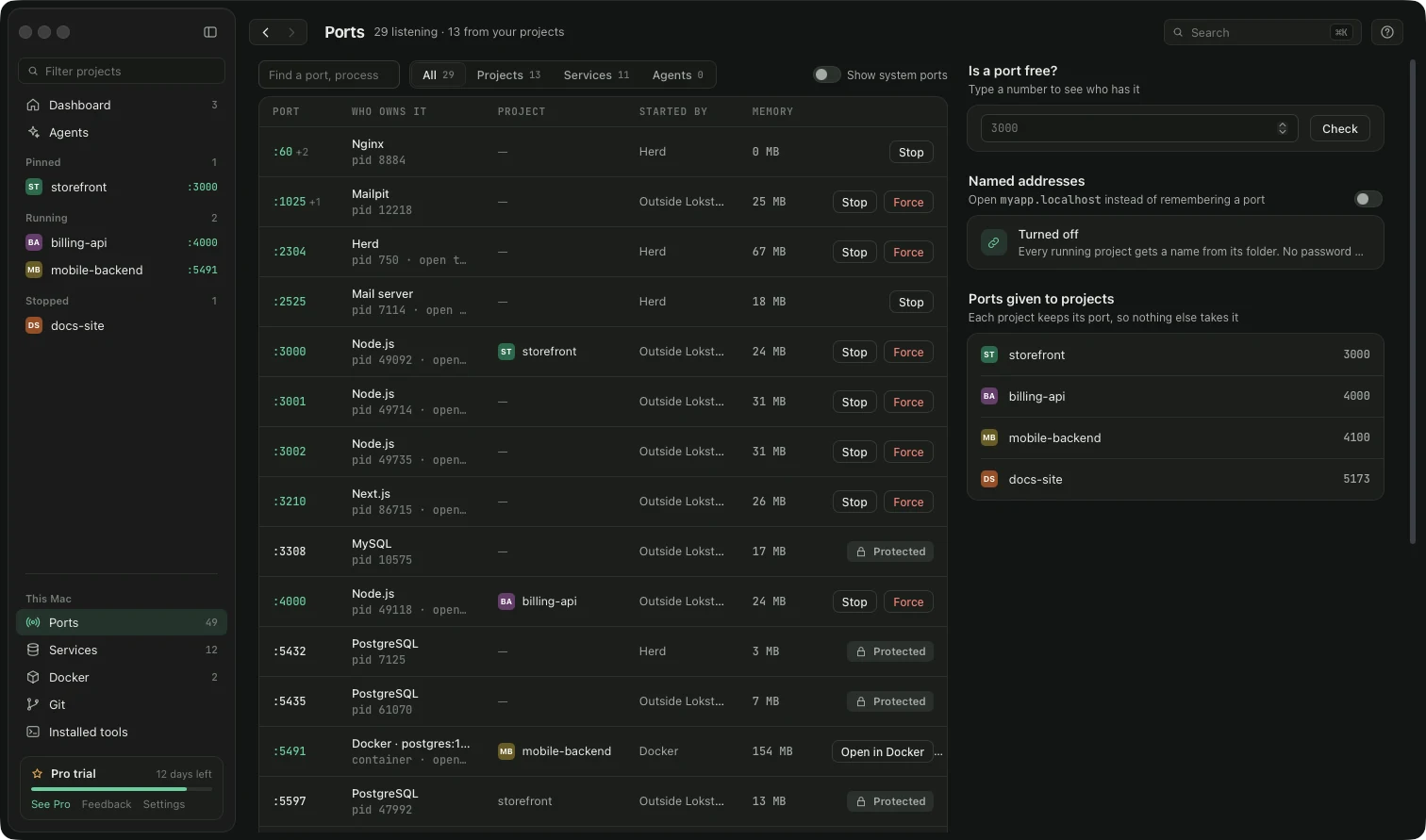
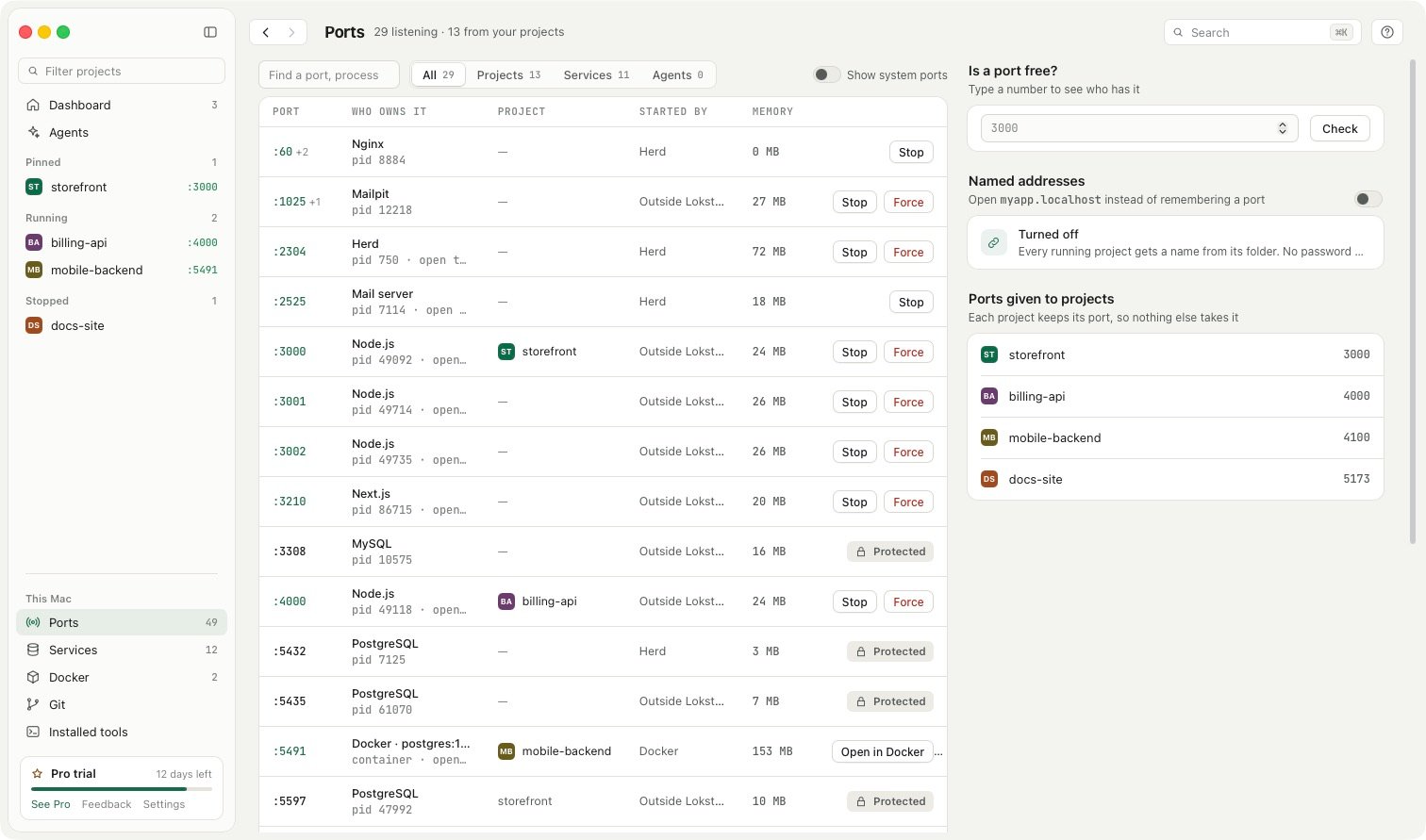
You can choose one of three endings:
.localhostworks at once, in every browser, with no setup and no password..lokstackand.ls-devread more like real addresses (storefront.lokstack). They need one macOS setting, made once: Lokstack asks for your Mac password and adds a small entry so macOS asks Lokstack about that ending. You can remove it again from the same place, and your.localhostaddresses keep working throughout.
How it stays simple and safe:
- Nothing to update. The name follows the project to whichever port it is running on, so a moved port never breaks the address.
- Hot reload works. WebSocket connections are passed straight through.
- Only this Mac. Addresses are served on the loopback address only, never on your Wi-Fi address, and they can never reach Lokstack's own controls.
- Port 80 when it is free. If something else holds port 80, Lokstack uses 8080 to 8090 instead, and the address includes that port.
With Lokstack Pro, each AI agent's lane also gets its own address, like fix-cart.storefront.localhost, so you can open every agent's version side by side. Lanes are in beta, with a 14-day trial and no card.