
 Lokstack
Docs Account
Settings, Pro and About
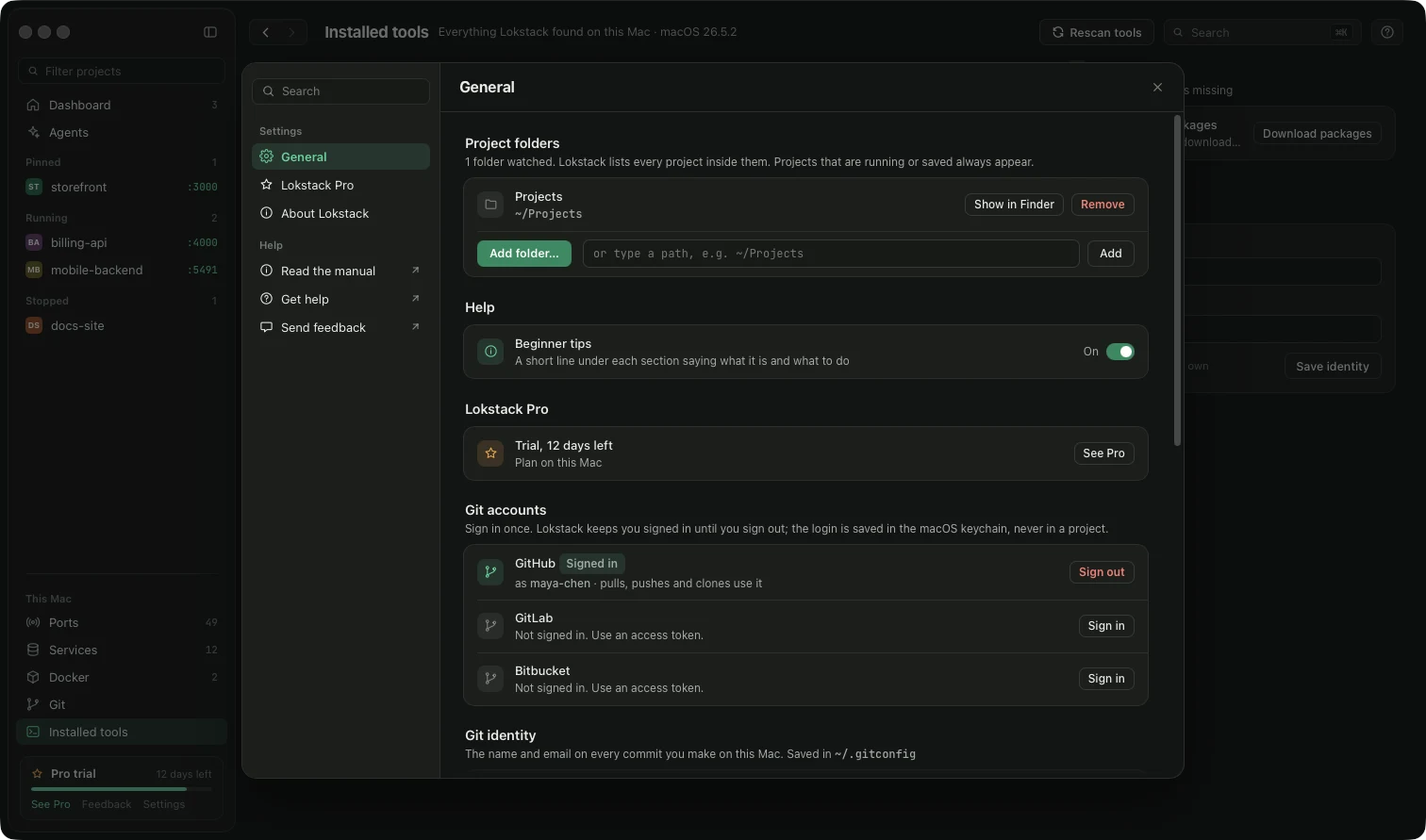
Open them from the bottom-left menu. They open as one large window with a search box. Press Esc, the ×, or click outside to close.
- General: project folders Lokstack watches, beginner tips, Git accounts, your Git name and email (saved the same place
git config --globalwrites), and information about this Mac. - Git accounts: sign in to GitHub once (press Sign in, type the short code on github.com; no password is typed in Lokstack), or save an access token for GitLab or Bitbucket. From then on every pull, push and clone uses it, in Lokstack and in Terminal. The row says Signed in as your username. You stay signed in until you press Sign out: the login is kept in the macOS keychain, and being offline never signs you out. If the host stops accepting it (for example you revoked it on github.com), the row says Sign in again.
- Lokstack Pro: the launch price (the full yearly price struck through), trial status, your licence key, and the Teams licence.
- About: version, company, updates, support and privacy information.
Updates: when a new version is out, a banner appears in the sidebar. Press Update and Lokstack downloads, checks Apple's signature and installs it.
Something unclear or missing? Tell us or write to support@lokstack.app.